
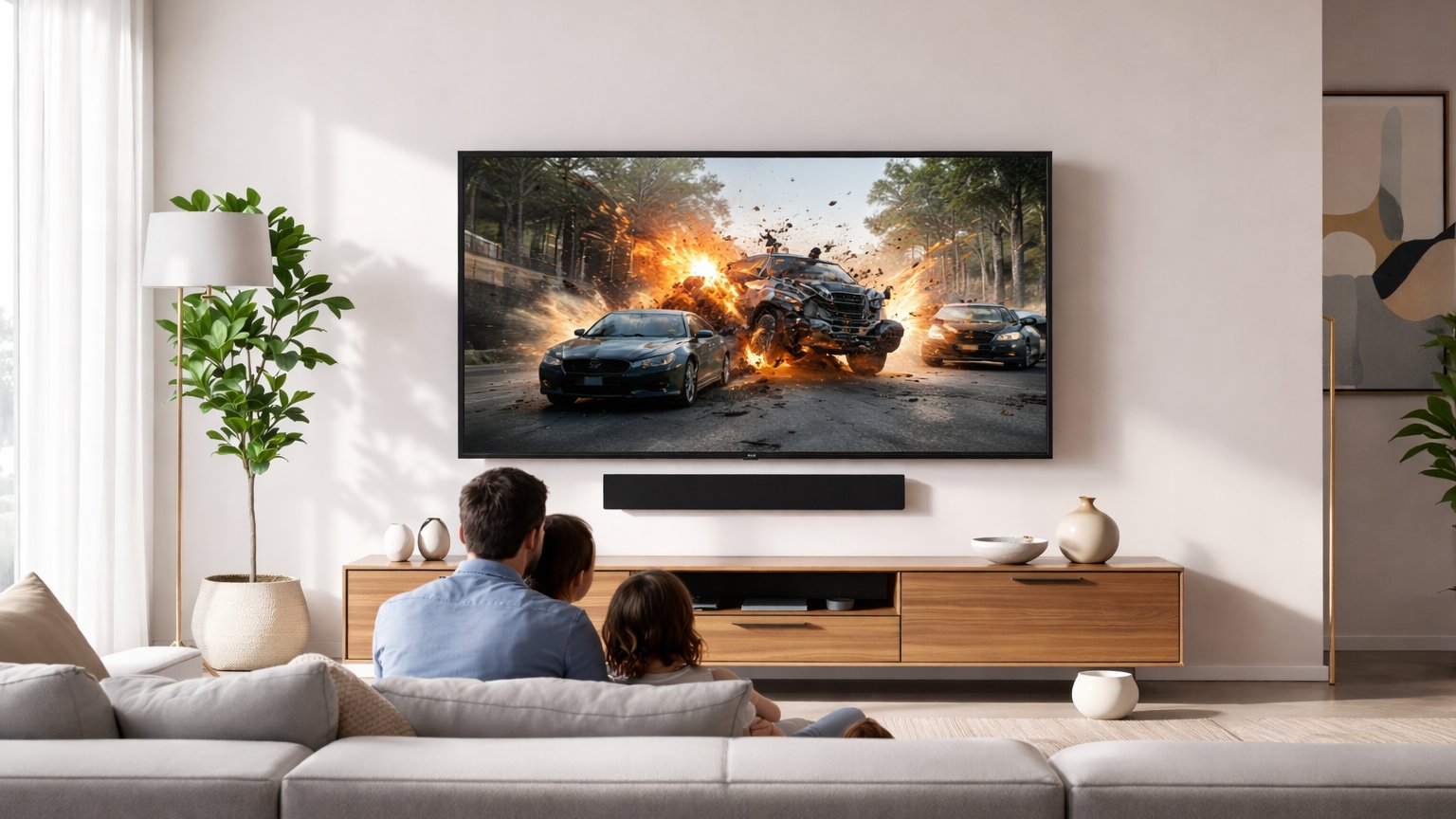
In every well-designed family room, the television may draw the eye—but the media console is what grounds the space. Welcome to Media Consoles & TV Stands on Family Room Streets, where style meets structure and storage meets storytelling. These hardworking pieces do more than hold a screen. They anchor layouts, conceal cables, frame focal points, and quietly define the rhythm of your room. From sleek, low-profile platforms that float effortlessly beneath wall-mounted TVs to statement-making consoles with rich wood grains, fluted textures, or modern metal accents, today’s designs blend beauty with function. Open shelving showcases décor and sound systems, while hidden compartments keep gaming gear, remotes, and streaming devices neatly tucked away. The right media stand can soften a minimalist space, warm up a contemporary layout, or sharpen a traditional setting with clean architectural lines. In this collection of articles, we explore sizes, storage solutions, layout strategies, styling ideas, and smart design details that transform everyday entertainment centers into polished, purposeful focal points. Whether you’re redesigning or simply refreshing, discover how the right media console can elevate your entire family room experience.
A: Usually yes—equal width can work, but a wider base looks more balanced and stable.
A: Aim for open backs or clearance behind gear; avoid sealed compartments for receivers and consoles.
A: Yes when mounted into studs with proper hardware and the unit’s weight rating is respected.
A: Open shelves are easier for heat and access; doors hide clutter but may affect remotes and airflow.
A: Front edge of the console or wall-mounted below the TV—avoid blocking it with décor.
A: Use rear cutouts, cable sleeves, and adhesive channels; label cables before bundling.
A: Low enough that the TV center aligns near seated eye level; adjust based on sofa height and screen size.
A: You can, but airflow and signal can suffer—use a ventilated spot or an open shelf.
A: Reserve a ventilated bay for the console and a drawer/cubby for controllers, headsets, and chargers.
A: Route power and HDMI into one bundle, tuck slack into a labeled loop, and keep one access panel easy to open.