Identify the Light Before Changing the Screen
Screen glare is easier to solve when you can name the light that causes it. A bright patch might come from a window behind the sofa, a ceiling fixture above a desk, or a lamp reflected only from one viewing position. Turning up the display may make the picture more visible, but it does not remove that reflected source. Begin by observing the screen from the place where you normally watch or work. Then make one targeted change and compare the result. This approach can preserve useful room light while reducing the particular reflection that interferes with the picture.
Separate a Reflection From a Bright Surrounding View
Look for the shape of the distracting light on the screen. A recognizable window rectangle or lamp reflection points toward a reflected source. A bright window beside or behind the display can also make the whole viewing area feel uneven without appearing as a clear reflection. Describe what you see before deciding which adjustment to try.
Use an inactive screen or a dark scene to make reflected sources easier to identify. Keep your head in the normal viewing position rather than standing close to the display. The angle between the source, screen, and viewer matters. A reflection that disappears when you lean sideways may return as soon as you resume your usual posture.
Observe the Problem at Its Usual Time
Window light changes through the day, so assess glare when it normally causes difficulty. A screen that looks clear in the morning may reflect a bright window later. Record the approximate time and which seat is affected. This helps distinguish a recurring daylight condition from a lamp that causes trouble regardless of the hour.
Compare a bright program with a dark one. A reflection may be less noticeable during a colorful broadcast and prominent during a film or a dark desktop theme. Keep the room conditions the same for that comparison. The difference does not prove that the screen is defective; it shows which viewing tasks reveal the room’s light more clearly.
Check whether blinds, curtains, or room lights were in a different state when the problem appeared. Ordinary habits can explain why glare seems inconsistent. Make a brief record rather than relying on memory of the last difficult session. You will then have a repeatable condition for testing a useful change.
Confirm the Source With One Small Test
Switch off the suspected lamp or adjust the relevant window covering while leaving the rest of the setup unchanged. If the reflection changes, you have a stronger reason to concentrate on that source. Repeat the comparison if necessary at the usual time. Do not change the screen angle, every room light, and the display brightness together, because a successful result will then be difficult to interpret. A simple source-confirmation test gives you a specific problem to solve without dismantling the room’s whole arrangement.
Reorient the Screen Where the Layout Allows
For a desk, consider the relationship between the monitor and windows. OSHA’s workstation-environment guidance recommends arranging screens to reduce reflections from windows and light sources. A practical reorientation can be useful when it preserves the rest of the workstation. Check the actual view after the move rather than assuming a compass direction guarantees success.
In a family room, a television or seating change may reduce a reflected source, but consider the whole layout. Keep viewing angles, comfortable seating, pathways, and supported mounting positions in mind. A glare improvement is less useful if the family cannot use the room comfortably afterward. Start with modest feasible adjustments before considering major furniture changes.
Use Window Coverings to Control the Problem Area
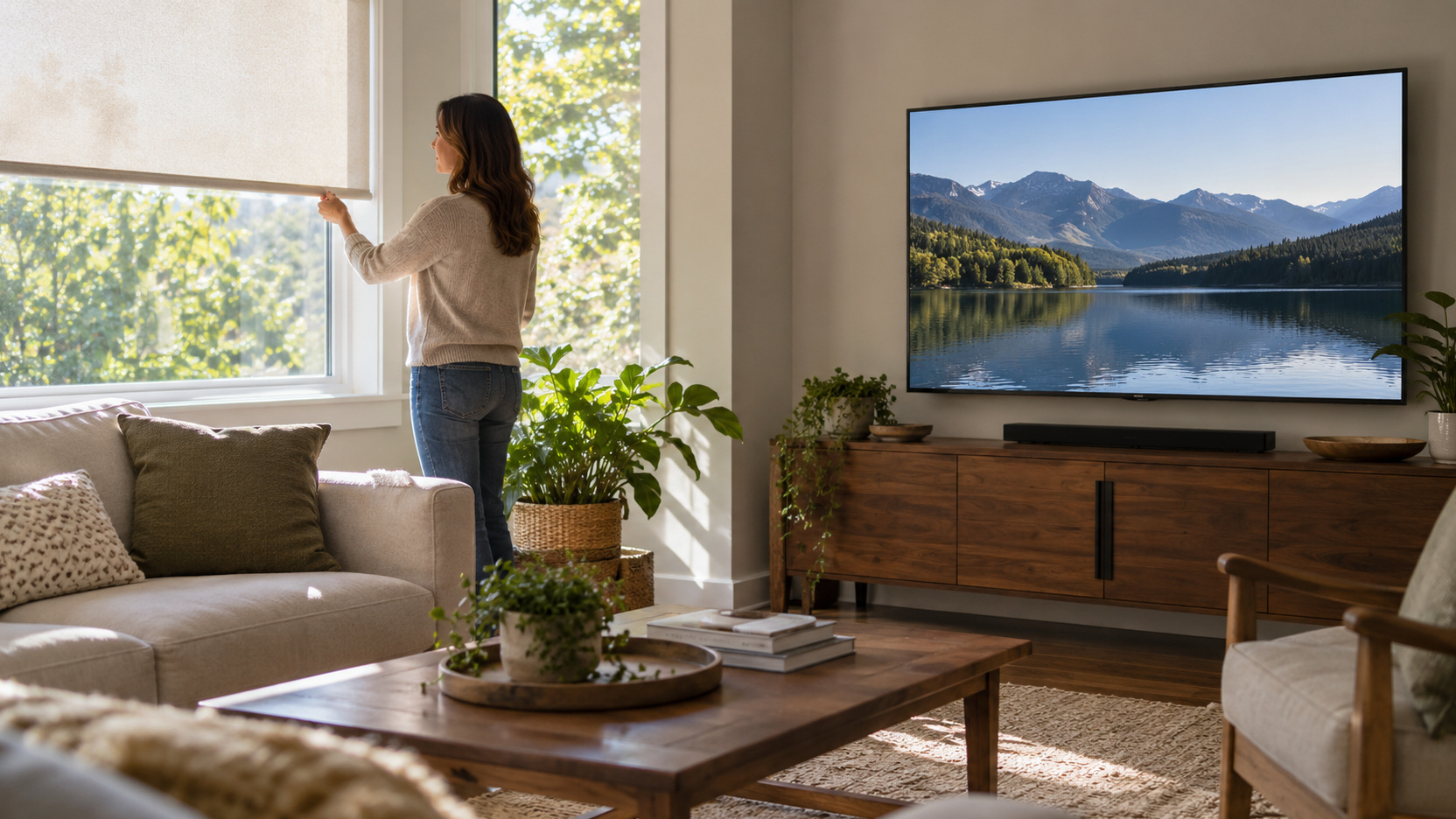
Suitable blinds or curtains can reduce the incoming light responsible for a reflection. Adjust them during the affected viewing period and assess whether a partial change is enough. You may not need to darken every window completely. Preserve the daylight the family wants in other parts of the room where the coverings allow that flexibility.
Check how easily regular users can operate the proposed covering. A solution that is awkward to reach or requires moving furniture may be ignored during a busy afternoon. Consider its everyday operation as well as its appearance. Follow installation and operating guidance, including the appropriate child-safety arrangements for window-covering products.
Avoid assuming a new covering will perform exactly like one shown in a product photograph. Window size, incoming light, material, and the room’s geometry influence the result. Review the specifications and any sample or return options that apply. Choose for the identified source rather than a general promise of a darker room.
Move a Lamp Before Removing Useful Light
A portable lamp can sometimes be shifted enough to move its reflection away from the screen. Test its position from the affected seat and keep its intended task illuminated. A reading light should still serve the page, and a room lamp should still support the surrounding space. The goal is better direction rather than simply less light everywhere.
Inspect the shade or shielding provided by the fixture. An exposed bright source may be distracting directly as well as in reflection. Use compatible bulbs and accessories according to the lamp’s guidance. Do not add improvised fabric or covers to reduce its output.
Investigate Overhead Fixtures Carefully
Ceiling lighting can create reflections that are difficult to solve by moving a portable lamp. Compare available separate controls or compatible dimming settings first. Keep enough suitable illumination for the room’s other tasks. If the fixture needs alteration, involve the appropriate qualified professional rather than changing wiring or internal components yourself.
Check whether a manufacturer’s compatible diffuser or shielding option addresses the source you observed. Product suitability matters, and not every accessory fits every fixture. Consider the effect from different seats before committing to a change. A modification that solves one reflected patch should not create an exposed bright source elsewhere.
Keep control compatibility in the decision. A dimmable lamp or bulb does not make every existing control suitable, and poor operation is not a good glare solution. Verify the exact combination through the relevant guidance. Test the brightness range that ordinary viewing requires.
Adjust a Monitor Without Sacrificing Its Position
A modest supported tilt may change an overhead reflection, but check the whole workstation after adjusting it. Keep the monitor usable with the keyboard, chair, and normal posture. Do not spend the day leaning or twisting to avoid a bright patch. A layout or source change may be more appropriate when glare only disappears in an awkward position.
Check every screen in a multi-monitor arrangement. Rotating one display can redirect a reflection toward the other or change its viewing angle. Compare the normal tasks performed on each screen. Keep the supported movement and cable freedom of any monitor arm in mind while testing.
Keep the Display Surface Properly Maintained
Follow the screen manufacturer’s cleaning instructions if dust or smudges are contributing to the distracting view. Use the specified method and avoid unfamiliar cleaning products or abrasive materials. Cleaning does not remove a window reflection, but it can prevent an additional surface problem from confusing the diagnosis. Assess the same source after the surface is maintained so you know what remains to be solved.
Treat Anti-Glare Accessories as Specific Choices
An appropriate monitor glare filter may help in some conditions, but examine compatibility and the effect on visibility. OSHA’s workstation guidance includes filters among possible measures while emphasizing that they should not significantly reduce screen visibility. Review product fit and attachment requirements for your monitor. A filter is an option to assess, not an automatic remedy for every lighting problem.
Do not apply an unapproved film or coating to a television simply because an accessory is marketed for screens generally. Displays have different surfaces and maintenance requirements. Consult the display manufacturer and the exact product guidance. Consider a source or placement adjustment first when that addresses the identified reflection more directly.
Review Nearby Reflective Surfaces
A polished desktop, glass table, or glossy decorative item can introduce distracting reflected light near the screen. Observe the seated view while moving the suspected portable object or redirecting the lamp. Confirm whether that change affects the problem. This helps keep attention on a real source instead of replacing furniture unnecessarily.
Consider a more matte practical finish when a surface is being replaced for other reasons. The decision should also suit cleaning, durability, and the household’s design preferences. Do not assume every glossy object must leave the room. Target the surface that repeatedly contributes to the particular viewing difficulty.
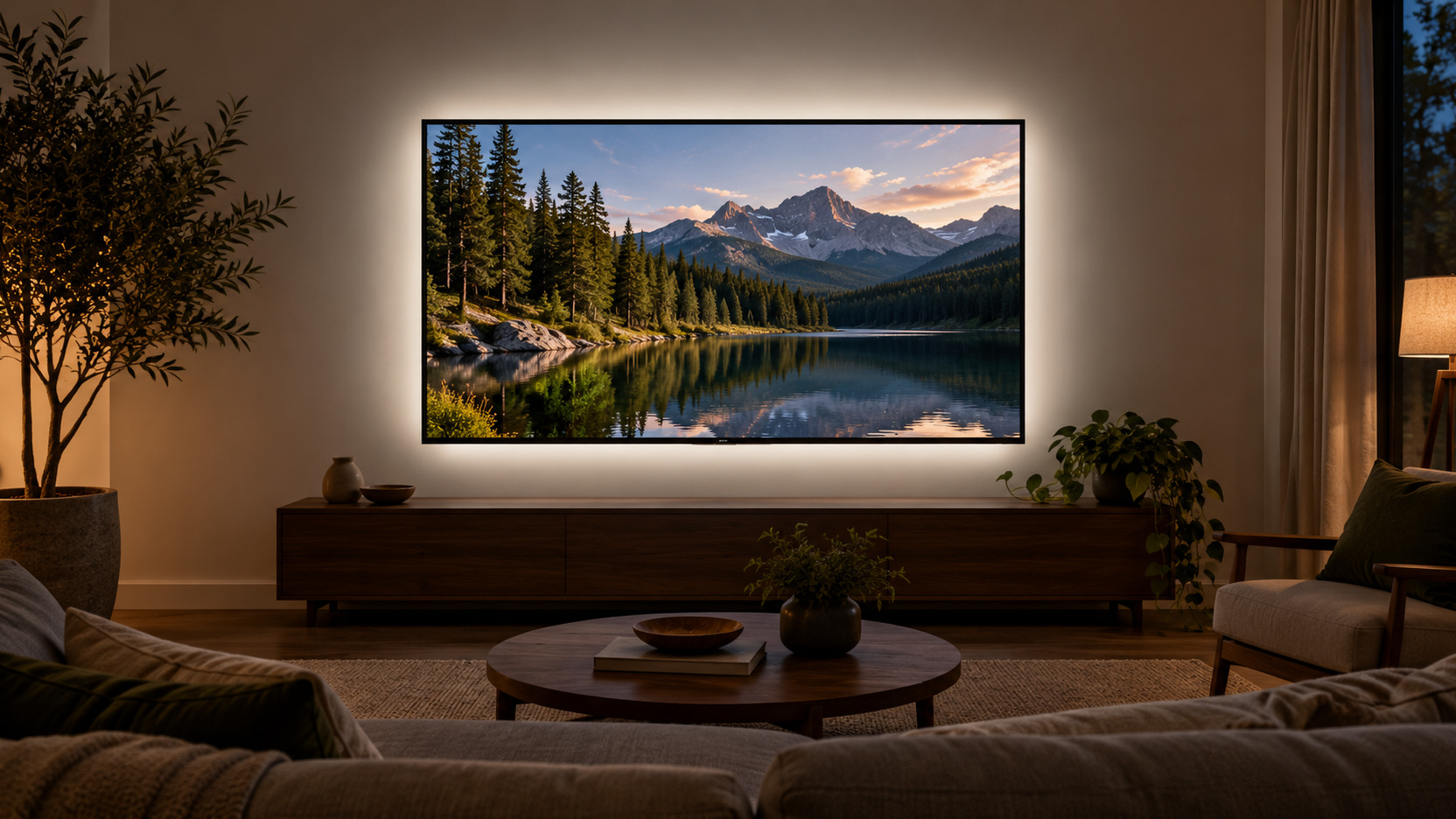
Keep the area around the screen composed without making it excessively dark. A bright isolated patch and a heavily shadowed surround can each complicate the viewing experience. Aim for a workable distribution of room light that supports the tasks nearby. Assess the result personally rather than treating a staged image as a prescription.
Coordinate a Shared Room's Competing Needs
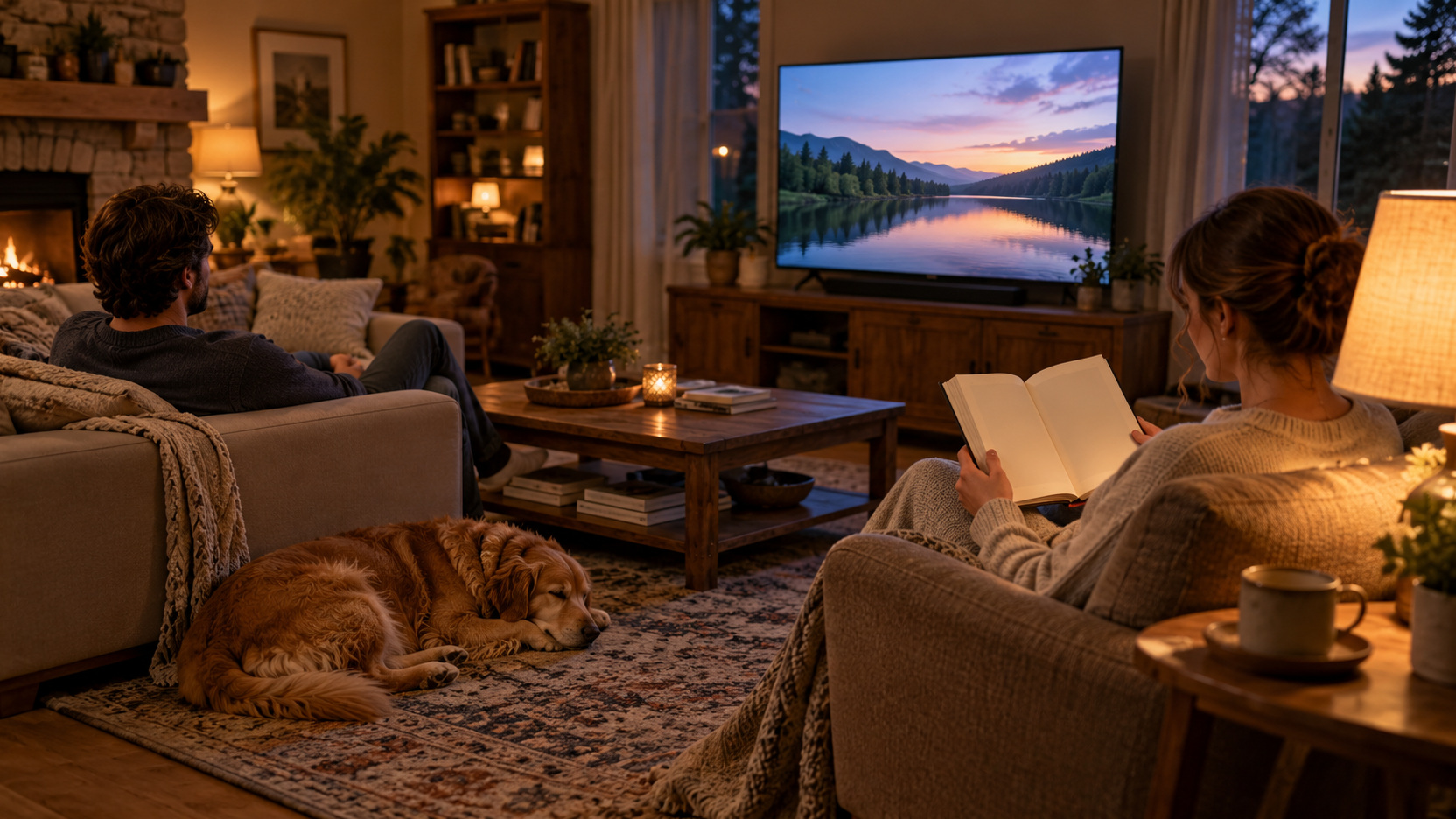
Someone reading beside the television may need a lamp that the viewer finds reflected on screen. Explain the identified source and test a direction change together rather than turning off the reader’s light unilaterally. The task still needs suitable illumination. A different lamp position, supported shade adjustment, or seat arrangement may let both people use the room more comfortably.
At a shared desk, check the glare solution with each user’s normal position. People who sit at different heights can experience different reflections even when they use the same monitor. Preserve an understandable adjustment routine if a modest supported screen change is useful. Record where the stable light sources belong so each handoff does not require starting the diagnosis again.
Consider what happens when the room shifts from daytime work to evening entertainment. A covering position that helps an afternoon video call may be unnecessary after dark, while a lamp reflection may become the main issue. Keep those conditions separate in your record. This makes the solution easier to use because the household can choose the adjustment for the problem actually present. A flexible room can have more than one successful glare arrangement without needing a complete redesign for every activity.
Keep the successful adjustment easy to restore after someone changes it for another task. A brief description of the affected window or fixture is enough. Avoid an elaborate set of rules that makes normal room use feel like troubleshooting.
Use Brightness Settings After Addressing the Source
Adjust the display through its supported picture or brightness controls when appropriate for the room and task. Keep track of the previous setting so you can compare and restore it. Raising brightness may help visibility in a bright room, but it does not make a reflected window disappear. Avoid making an extreme setting the default response to a problem that has a manageable source.
Test the Solution Across Real Viewing Positions
Repeat the original condition after the targeted adjustment. Use the same seat, approximate time, and type of content that revealed the reflection. Then check other regular seats or desk users. A solution should improve the intended view without merely shifting the problem to another person.
Keep a practical record of what worked, especially if daylight control is time-dependent. Reassess when furniture, lighting, or the display changes. If the problem persists, bring those observations to the relevant installer or display-support channel instead of repeating random adjustments. A clear description of the source and successful comparisons makes the next decision more useful.