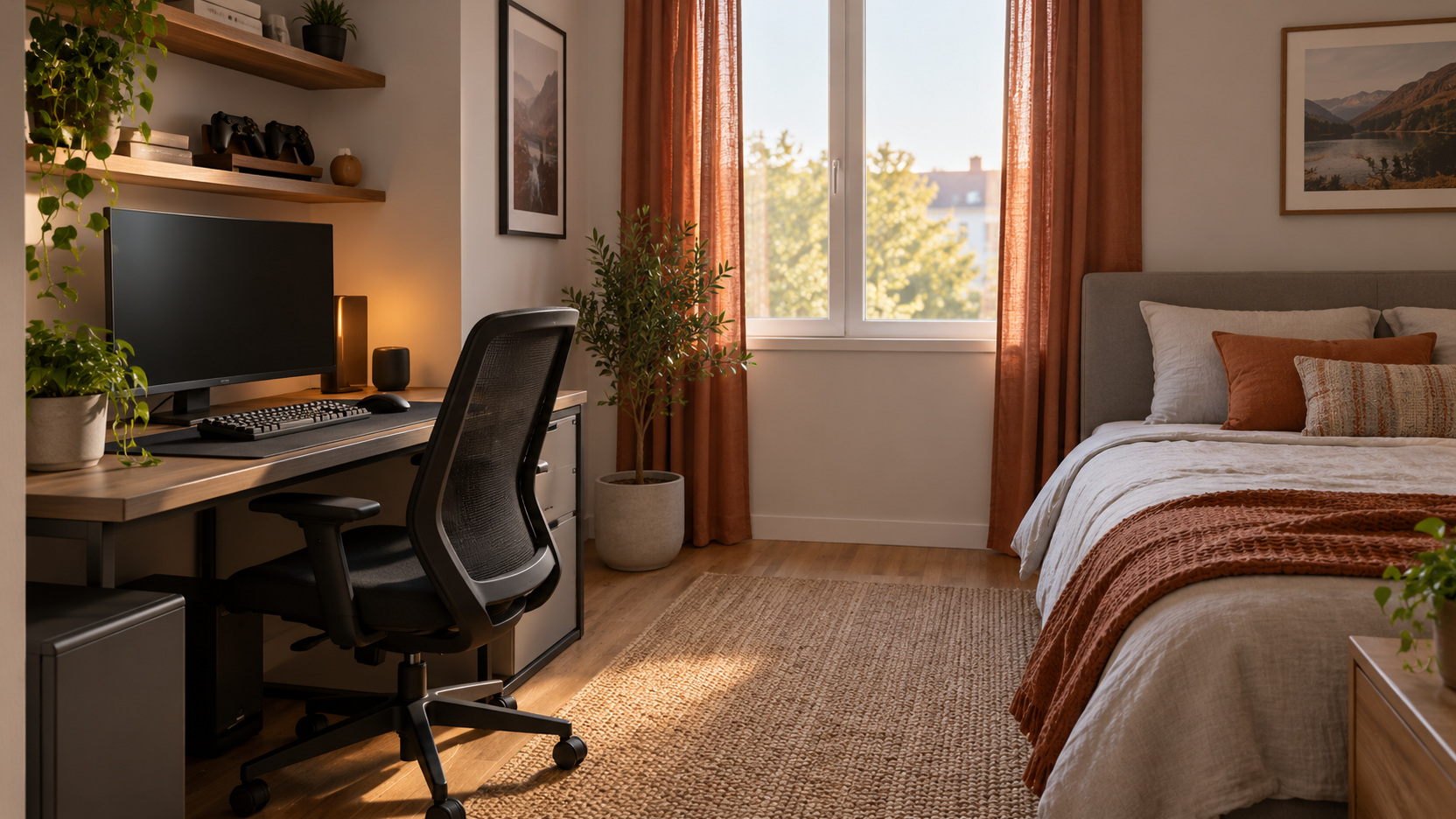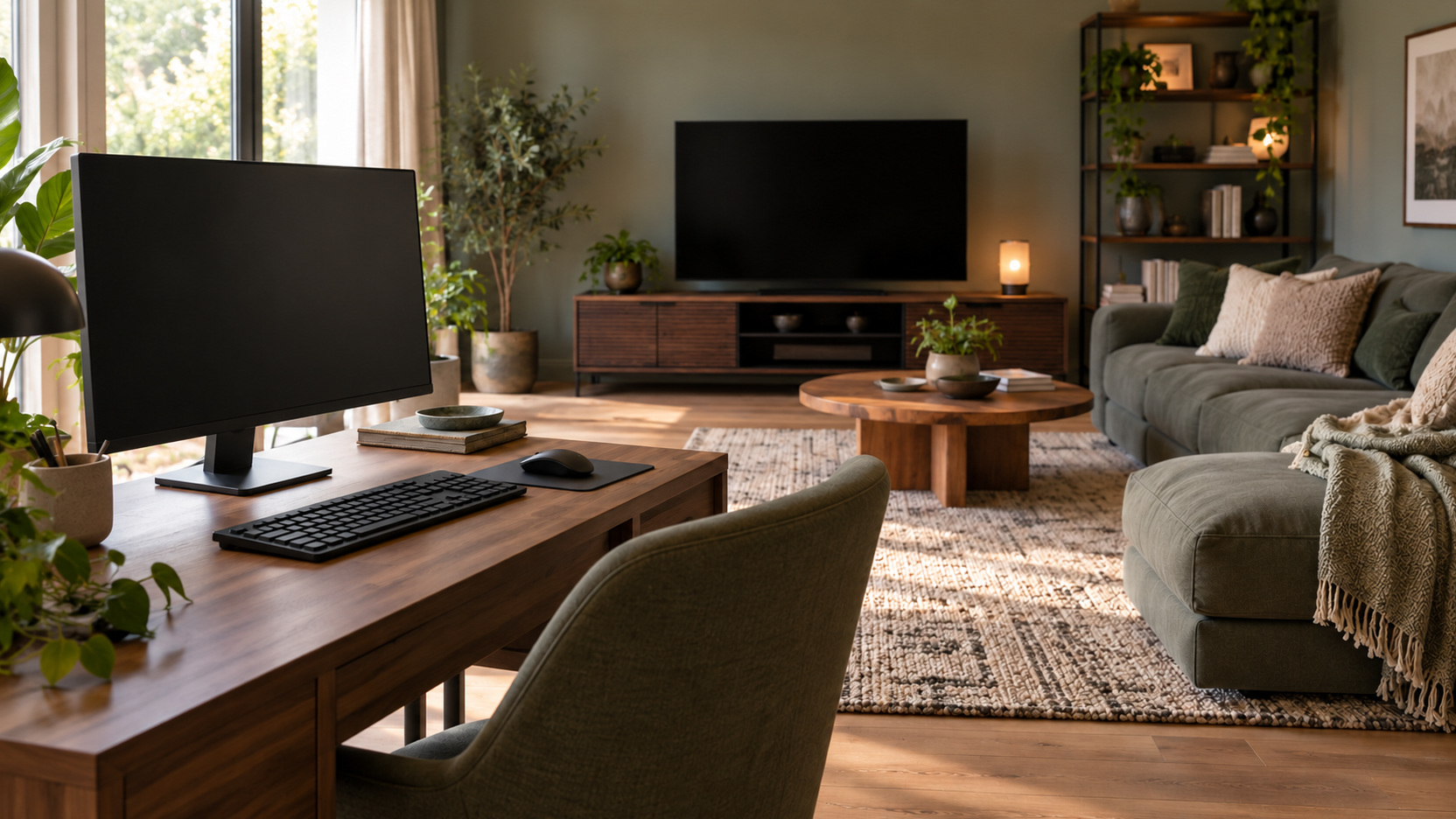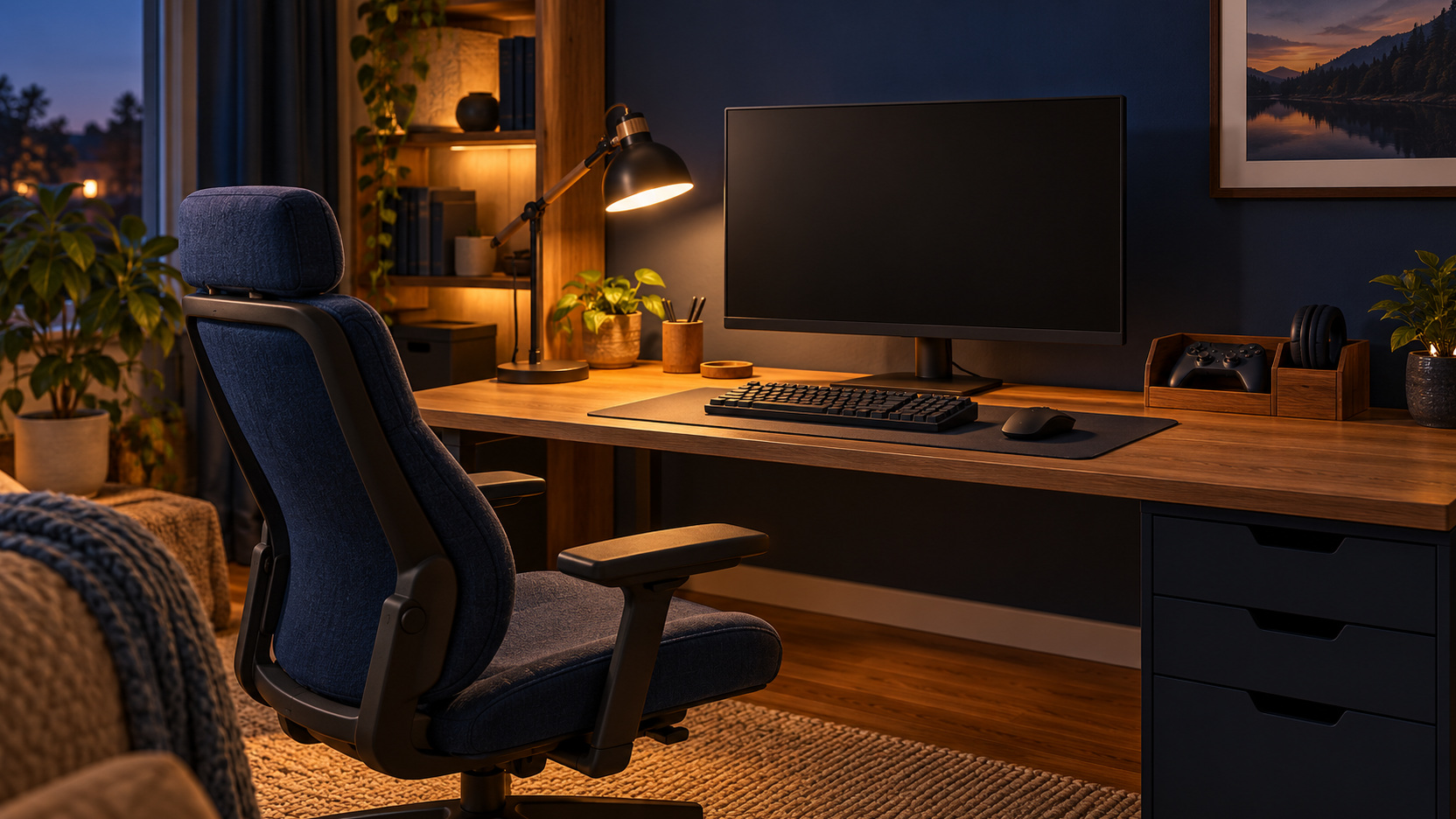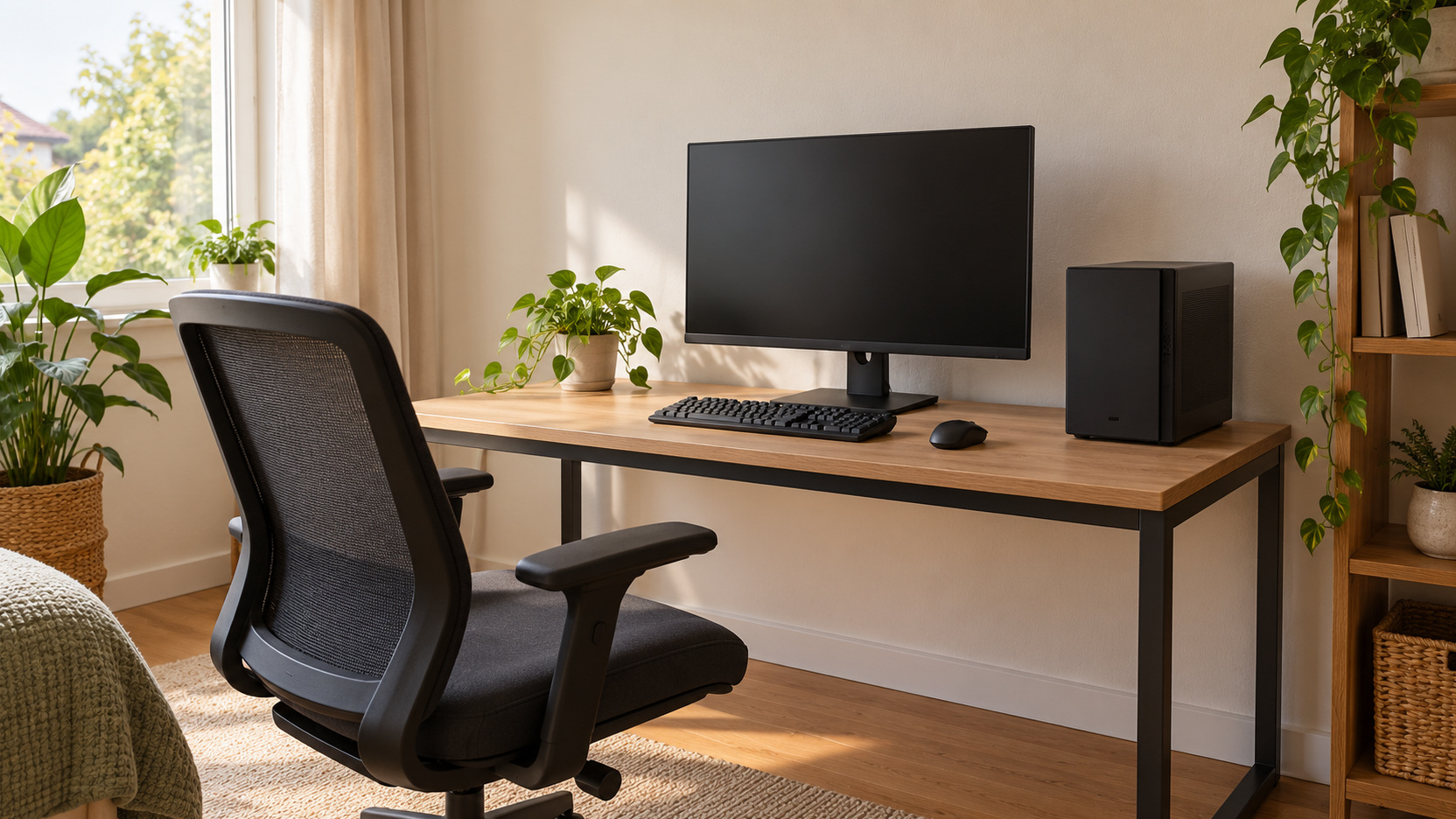
Spend Where It Changes the Games You Play
A budget gaming setup starts with a useful session, not a shopping list copied from someone else’s room. The goal is to play the games you care about with dependable equipment, a workable viewing position, and controls that suit you. Money disappears quickly when small extras accumulate or when a purchase forces another purchase you had not planned. Begin by separating what you already own, what prevents enjoyable play, and what would simply look attractive. Then build an operational setup inside a complete spending limit. That approach can produce a satisfying space without pretending that every inexpensive product is a bargain or every premium feature deserves a place in the budget.
Set the Budget for the Whole Working Arrangement
Write down the amount available for the project and decide what it must include. A console or computer may consume only part of the total once a display, controls, furniture, audio, cables, and delivery are counted. Include required games or services where they are part of the intended use. A headline hardware price cannot describe the complete cost of starting to play.
Keep a small portion uncommitted until the essentials work together. You may discover that a required cable is absent, the existing surface cannot accommodate the equipment, or the audio connection needs another supported component. That reserve should serve identified needs rather than justify an automatic accessory haul. A complete budget remains useful only while you can see what each remaining purchase accomplishes.
Inventory the Equipment You Can Actually Reuse
List the display, computer or console, controllers, keyboard, mouse, audio equipment, chair, and surface already available. Test the items instead of assuming they are unusable because they are old. A television you already enjoy may be a suitable starting display, while an existing desk may work after reorganizing its surface. Reuse can free money for a genuine limitation elsewhere. Check condition and compatibility before counting an item as free. Missing adapters, worn controls, or an unsuitable connection can create costs. Record those costs alongside the reusable equipment. The relevant comparison is between a functioning reused arrangement and a functioning replacement, not between a complete new product and an incomplete old one.
Define the Games and Performance You Need
Name the games or kinds of play that matter to you. A slow-paced strategy game, shared party game, and competitive action title can place different demands on the setup. Decide which experience must work well first. This makes performance targets more concrete than trying to maximize every specification within the available money.
For PC gaming, consult the publisher’s current requirements for the actual titles and verify the proposed hardware against them. Treat minimum and recommended specifications as different kinds of guidance rather than a promise of identical performance at every setting. If a seller suggests a system, ask what resolution and game settings support the claim. A vague assurance that a computer is a gaming PC is not enough to allocate most of the budget.
For a console, check the exact platform and the games, accessories, and services you intend to use. Do not assume another household’s equipment transfers directly into your plan. The purchase should open the activities you want rather than merely resemble a more expensive setup. A clear target also tells you when the essentials are sufficient.
Keep the Display Target Within the Source's Capabilities
A display feature is valuable when your system and games can use it. Check supported resolution, refresh behavior, and the required connection before paying extra. PlayStation’s video-output guidance, for example, explains that the available result depends on the connected display and setup. Use your own platform’s documentation for the same kind of assessment.
Do not regard the largest resolution label as the only meaningful upgrade. The display also needs to fit the seat, make menus readable, and suit the room’s light. Try the existing screen with familiar game material before replacing it. If it meets the current target, spending elsewhere may provide a more noticeable benefit.
Prioritize the Parts You Touch and Use Repeatedly
Controls and seating affect every session, so evaluate them through use rather than branding. A mouse should work for your tasks, a controller should have dependable inputs, and the chair should fit the actual surface. None needs decorative coordination to earn its place. A restrained purchase that resolves a recurring difficulty can matter more than a visually impressive accessory.
Include the intended user in the decision. Hand size, preferred input style, and access requirements can change which product is useful. Xbox’s accessibility information provides examples of supported control features and adaptive options. Check compatibility for your platform, and keep essential access needs within the core budget rather than relegating them to optional decoration.
If you cannot trial a product before buying, read the actual return terms and relevant dimensions carefully. A cheap chair or control that cannot be used comfortably is not a saving. Compare the cost of a workable alternative, including any required fittings. The objective is to reduce wasted spending, not to choose the lowest sticker price at every step.
Separate Essential Audio From Optional Audio Effects
Determine what you need to hear and whether voice chat is part of normal play. Existing speakers or a compatible headset may cover that requirement initially. Verify the actual connection and microphone support rather than relying on a wireless description. Audio that works for music on another device may not provide the same functions on your gaming platform.
Room sound, private listening, and communication are separate needs. Decide which must be available on day one. An elaborate speaker package can wait if a simpler arrangement provides the required experience. Keep the audio decision tied to how you play and whom the sound affects nearby.
Treat Used Equipment as a Condition Assessment
Used or refurbished items can reduce cost, but the assessment should include condition, completeness, support, and the transaction terms. Ask about missing accessories and examine relevant functions where a trial is possible. For a controller, that includes its inputs and connection behavior; for a display, it includes the intended source and ordinary picture. The saving needs to survive the cost of making the item usable.
Different sellers offer different protections, and a refurbished label does not explain them by itself. Read the warranty or return provisions for the actual listing. Clarify what happens if a problem appears after collection or delivery. A slightly higher price can be reasonable if it provides a dependable product and a clear response to faults.
Avoid assigning a bargain value before checking compatibility. An inexpensive accessory may belong to another generation or require a connector your system does not support. Confirm the exact item details. A purchase that never enters the working setup is wasted money even when the discount appears substantial. For used computer hardware, distinguish a demonstrated functioning system from a collection of parts that still requires compatible components, assembly, and support. Include the cost and help needed to make those parts usable. If the work exceeds your experience, compare a supported complete system rather than valuing an unfinished project as ready-to-play equipment.
Watch for Bundles That Solve Someone Else's Problem
An illustrative allocation can make a limit concrete without pretending to quote current retail prices. Suppose you have $500 for improvements and already own a console, usable television, and suitable surface. You might reserve $150 for a dependable control or input need, $200 for the seat or other most troublesome physical limitation, $75 for required audio or connections, and $75 uncommitted until the essentials work. Those amounts are a planning example, not prices or a universal buying order. Reassign them if your actual limitation differs.
Compare a bundle against that list of needs. A package is good value when its exact components all serve the plan and lower the complete cost. A decorative keyboard, surplus mouse, or extra headset would not earn money reserved for an unreliable controller merely by arriving at a discount. Check models, included leads, and functions, then compare the items you would actually choose separately. The bundle should make the working setup less expensive, not simply make its inventory larger.
Stage Upgrades Around Observed Limitations
Build the minimum complete arrangement, use it, and record the most persistent friction. That might be unreadable small text, an unreliable input, an uncomfortable working position, or inadequate storage. Rank the problems by frequency and how much they affect enjoyment. The next purchase should address the most consequential one you can resolve within the remaining budget.
This method also helps distinguish equipment limitations from setup problems. A lamp reflection may require moving a light rather than replacing a screen. A cramped mouse area may require clearing a surface rather than buying a larger desk immediately. Try an appropriate reversible adjustment before spending. The observation should determine the response.
Keep future possibilities separate from today’s purchase order. You may eventually want a more capable display or additional accessories, but not every likely interest needs funding now. Confirm a sensible upgrade path where it matters. The initial arrangement should still provide an enjoyable experience without waiting for the rest of an imagined setup.
Leave Decoration Until the Useful Setup Works
Color accents, decorative lights, and display objects can make the room personal. They are easier to choose once the working positions and equipment are established. Set a separate allowance if they matter to you. That keeps a collection of small cosmetic purchases from consuming money needed for an essential function.
Use a few deliberate choices instead of filling every available surface. The existing furniture may provide enough visual cohesion with one recurring color or material. You can refine the appearance gradually after several sessions reveal how the room is used. A restrained design can look intentional without depending on a large accessory budget.
Check Ongoing Costs Before Calling the Project Finished
Some intended activities involve subscriptions, additional games, or other recurring expenses. Read current platform and service terms for the features you want. Separate those charges from the one-time equipment cost. A setup that fits this month’s purchase budget can still be inconvenient if its regular use requires spending the household has not planned.
Do not count every optional service as necessary. List the activities each one enables and consider whether you will use them often enough. Review the plan as your interests change. This is practical spending organization rather than a requirement to minimize all entertainment costs.
Keep receipts, model details, and warranty information together. They can prevent an unnecessary replacement when an item develops a covered fault or when you need to identify a compatible accessory. A simple record supports future decisions. It also makes the actual cost of the project easier to understand.
Decide That the Budget Setup Is Enough
Run the games and activities named in the original brief through an ordinary session. Check the controls, display, sound, seat, and startup routine together. If they support enjoyable play within the agreed spending, the setup has achieved its purpose. It need not match a more expensive room’s feature list.
Continue improving only when a specific limitation earns the spending. That keeps upgrades connected to experience rather than comparison for its own sake. A successful budget setup is not one that contains the maximum number of discounted items. It is one whose carefully chosen parts let you enjoy the games you wanted to play.