Make Television Speech Easier to Follow
Reaching for the volume button whenever someone speaks can turn a relaxing program into a cycle of quiet dialogue and startling effects. The useful goal is clearer words at a listening level the household enjoys, rather than a higher number on the screen. Start by identifying when the difficulty occurs, then check the sound path, speaker placement, and available listening controls in a deliberate order. One troublesome movie does not prove that the equipment is inadequate, and a new soundbar is not the only possible response. A short, repeatable test with familiar scenes can help distinguish a content-specific issue from a setup problem and show which adjustment genuinely helps.
Identify the Pattern Before Changing Settings
Choose a scene containing ordinary conversation and replay the same short passage during each comparison. Listen from the seat normally used, with the usual room conditions. Record whether words are indistinct, too quiet beneath music, or hard to follow only when characters speak quickly. A clear description of the difficulty gives the test a purpose.
Then try a different program from another familiar source. If only one title causes difficulty, its mix, delivery, language, or selected audio track may contribute. If every program sounds muffled, the room or system deserves closer attention. This comparison prevents unnecessary changes to a setup that already handles most material well.
Include a live broadcast or a plainly spoken interview if available. Such material supplies a different listening reference from a dramatic soundtrack. It does not establish that one source is technically perfect, but it can reveal whether the difficulty follows particular content. Keep the volume and seat reasonably consistent so that the result remains meaningful.
Confirm Which Speakers Are Producing the Sound
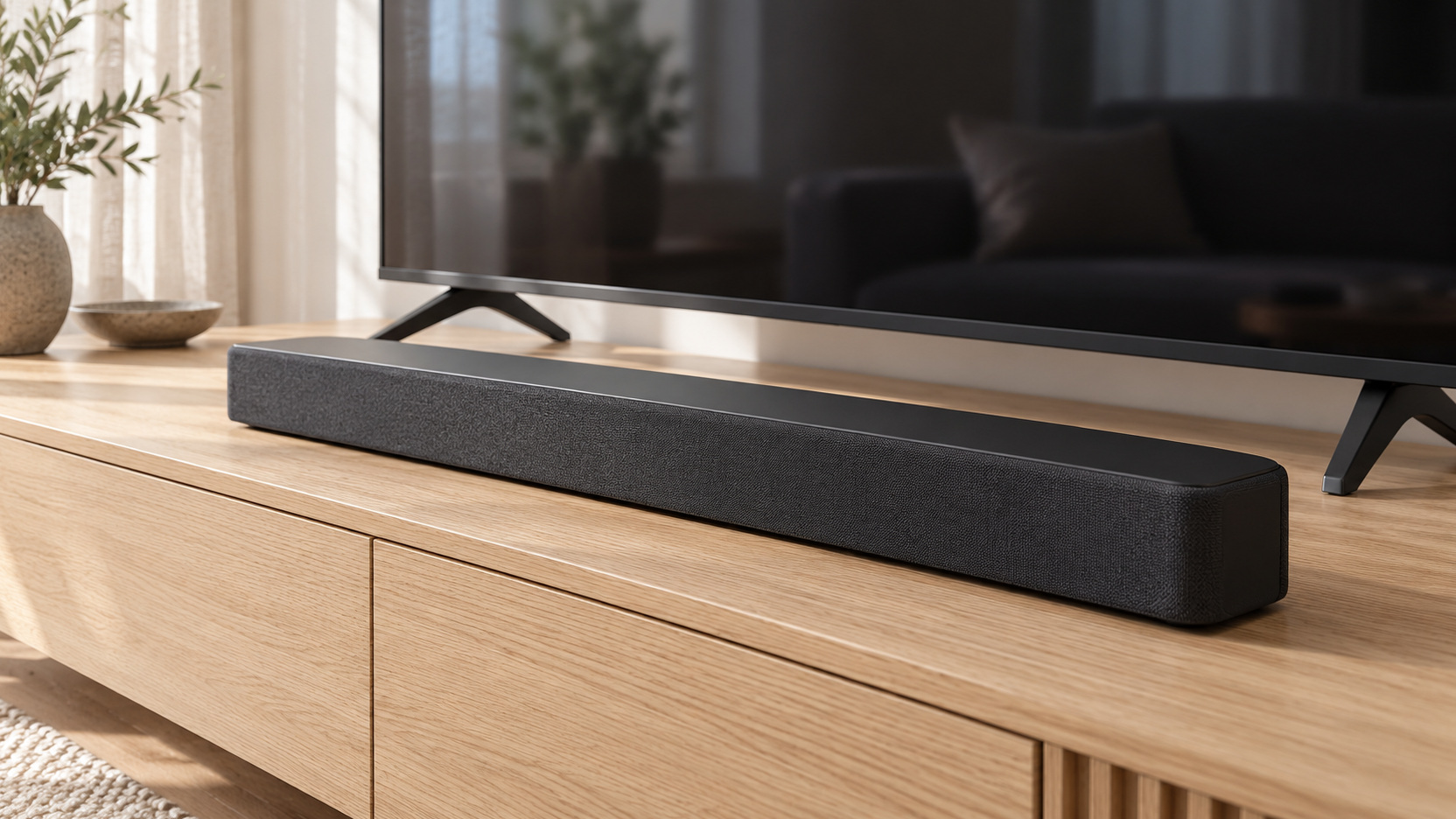
Check the television’s selected audio output before adjusting tone controls. The sound may be coming from the TV speakers, a connected soundbar, a receiver, or another selected device. Do not assume that a powered soundbar is the active output. Confirm the route using the equipment’s normal indicators and documented settings.
If both television and external speakers appear to be playing, consult the manufacturer’s instructions for the intended arrangement. Unintended simultaneous playback can make evaluation confusing, especially when timing differs. Avoid improvising menu changes across several devices at once. Establish one understood sound path first, then continue the speech test.
Remove Obstructions Around the Working Speakers
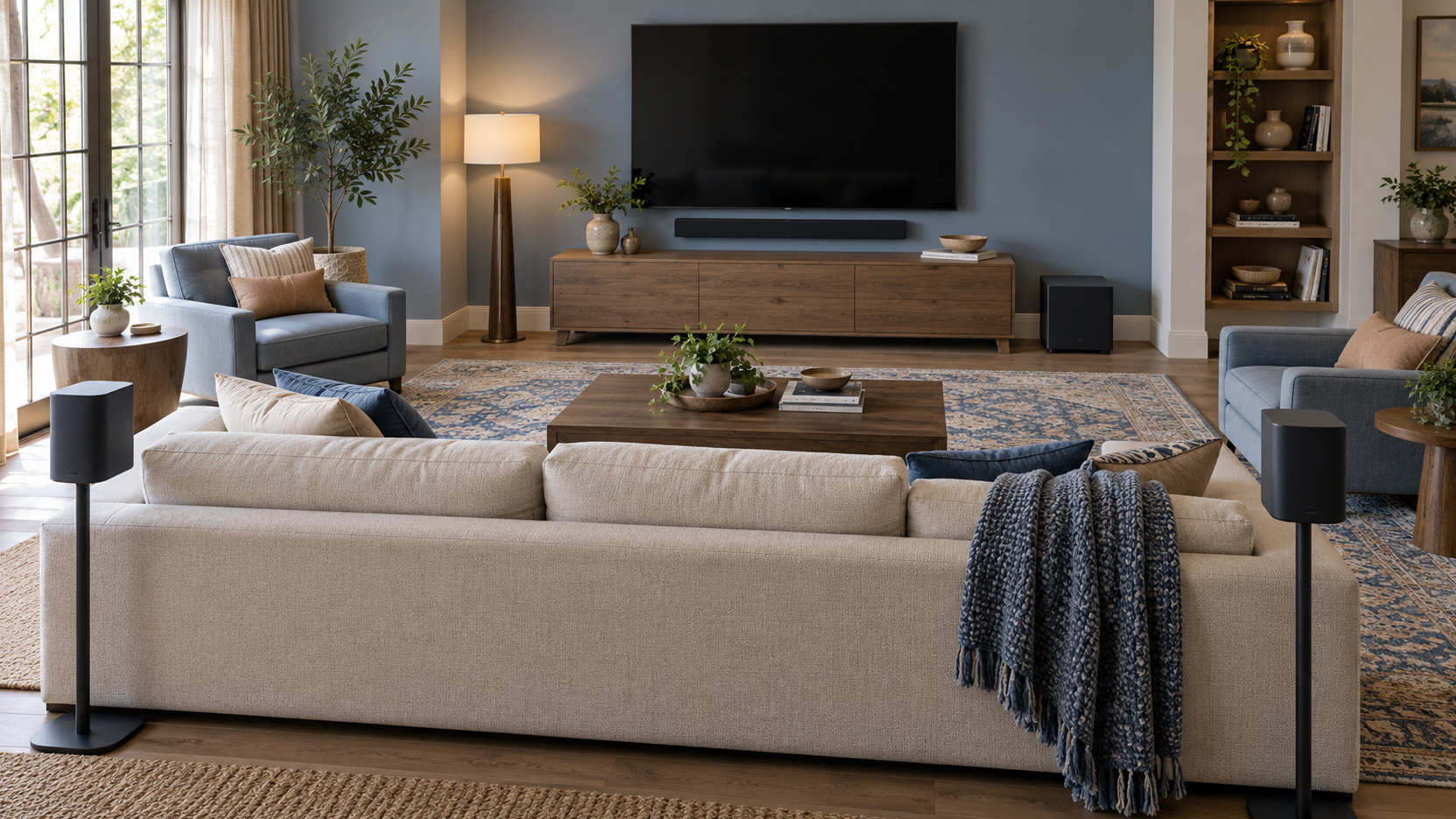
Look at the physical area around the television and audio equipment. Decorative objects may sit directly in front of a soundbar, or a speaker may be recessed into furniture that does not suit its placement guidance. Compare the arrangement with the manufacturer’s instructions. A tidy appearance should still leave the sound-producing surfaces appropriately clear.
For a center speaker in a separate-speaker system, review its position in relation to the listeners. Do not assume that a convenient deep shelf is the intended location. Ask an installer to assess positioning if the documented arrangement is difficult to achieve. The aim is to give the equipment an appropriate chance before compensating with more volume.
Photograph the current position before changing it and preserve the recommended clearances. This lets you compare the proposed improvement with the actual starting arrangement instead of relying on memory. If moving an object helps, keep that area clear in the everyday room plan. A successful trial that immediately disappears under decorations will not solve the recurring problem. The final placement should be one the household can maintain comfortably.
Reduce the Competition Around the Program
Notice what else is audible while the television plays. A dishwasher, kitchen conversation, or portable fan can compete with quiet words. Temporarily reduce an avoidable source and replay the reference passage from the usual seat. If speech becomes easier to follow, that test identifies something outside the soundtrack you can address; it does not prove that more speaker power is necessary.
Room finishes and seating deserve a separate comparison. A bare room can sound different from one with curtains, upholstery, and a rug, but one decorative addition should not be promised as a cure. Try ordinary arrangements that suit the room, then compare the central sofa with another regularly used seat. If only the chair beside a reflective wall is difficult, review that seat and the speaker arrangement rather than raising the volume for everyone.
Try Speech Enhancement as a Controlled Comparison
Look for a documented speech, dialogue, or voice enhancement option on the active equipment. The name and operation vary by model. Enable it for the reference passage, then compare with it disabled at a similar listening level. Judge whether the words become easier to follow and whether the overall presentation remains comfortable.
Sonos describes Speech Enhancement as boosting frequencies associated with the human voice, with additional adjustable levels on certain products. That is one manufacturer-specific example, not a universal menu instruction. Read the support page for your exact device and software. A similarly named feature elsewhere may operate differently.
Keep the setting that provides a useful result for your household. A stronger option is not automatically better, and the preferred choice may vary with content. Record the successful setting so that another person can reproduce it. The improvement is practical only if the family can use it without repeatedly rebuilding the experiment.
Compare Night Modes When Effects Dominate
A night or reduced-dynamic-range mode is worth testing when quiet speech prompts a volume increase and the next effect feels too loud. Its purpose differs from speech enhancement: it makes the quieter and louder moments more manageable, with behavior varying by equipment. Sonos’s Night Sound guidance, for example, describes enhancing quiet sounds and reducing louder sounds’ intensity. Begin with the feature documented for the active system instead of combining several unfamiliar settings at once. Compare a conversation followed by an action sequence with the mode enabled and disabled, keeping the seat and listening level reasonably consistent.
Make the decision with the other viewers present and judge both parts of that sequence. Easier words are useful only if the overall presentation also remains comfortable, while one person may welcome restrained peaks and another prefer more contrast during daytime films. A supported evening preset can accommodate the quieter occasion without becoming compulsory for every program. Keep the alternate mode accessible and agree which situation it serves. This turns the comparison into a practical reduction in remote adjustments rather than another argument over presets.
Adjust a Separate Center Channel With Context
Some surround systems provide an adjustment for the center channel, where dialogue is often presented in multichannel material. If your system offers that control, consult its documentation and make a modest, reversible comparison. Keep the existing setting recorded. The goal is balanced intelligibility, not simply making one speaker dominate.
Do not confuse a center-channel adjustment with a universal fix for all audio. Material and playback formats differ, and the relevant control may not operate the same way for every source. If changing it produces an uneven result, return to the baseline and investigate the configuration. Ask an installer to review calibration where the system’s behavior is unclear.
An adjustment record is especially helpful when several people experiment with the system. Include what changed, which passage you replayed, and whether the change improved words or merely increased their level. Stop once the result is useful rather than accumulating settings whose effects no one can explain. The household should be able to return to ordinary watching. A small understood improvement is more sustainable than an elaborate configuration that cannot be recovered.
Verify the Audio Track and Connection Configuration
Check the program’s selected language and audio track first. A title can offer alternate languages, audio description, or several sound formats, and the selection may change after an app or profile change. Replay the reference passage with the track you actually intend. If another title remains clear on the same output, keep the difficulty tied to that particular source instead of treating the whole system as faulty.
Next compare the television’s documented output and connection settings with the audio system’s requirements. A built-in app and an external streaming player can follow different paths, so note which source is affected. Change one supported setting at a time and replay the passage before trying another. If the route remains unclear, give support the exact models, connections, selected track, and affected source; that is more useful than a collection of unexplained format changes.
Use Captions as Part of Comfortable Viewing
Captions can make names, accents, rapid exchanges, and overlapping conversation easier to follow. They are a legitimate viewing preference, even when the sound system is working correctly. Explore available size and appearance options on the service or device. The best setting should remain readable from the family’s seats without covering more of the picture than desired.
Consider Headphone Listening for Different Needs
A supported headphone arrangement can be useful when one person wants a different listening level or a more private experience. Check compatibility, controls, charging, and whether television speakers can operate simultaneously if the household needs that. Device behavior varies, so confirm the complete arrangement before buying. A product described as wireless does not by itself establish that it fits your viewing routine.
Try a familiar passage during a demonstration and assess comfort over more than a few seconds. The arrangement should make words easier to follow without introducing an inconvenient pairing ritual. Consider how the user will return to shared listening afterward. Simple transitions matter when headphones are part of an ordinary evening rather than a special occasion.
If difficulty understanding speech extends beyond television, equipment adjustments should not substitute for appropriate professional advice. Keep that separate from the shopping decision. A clearer sound system may improve entertainment, but it cannot determine why someone struggles to hear in other settings. The household can improve its viewing arrangement while seeking the relevant help.
Decide Whether New Equipment Is Justified
Only after testing the existing setup should you decide whether an upgrade is worthwhile. Describe what remains unresolved: weak output from the TV, inadequate speech controls, unsuitable placement, or difficulty across the regular seats. Use that description when auditioning alternatives. It keeps the purchase focused on the actual problem.
Bring the same reference scenes and use a realistic listening level during the comparison. Check that the proposed system connects appropriately to your television and fits its intended location. Ask about trial and return terms where an in-home assessment matters. Clearer speech in a showroom does not guarantee the same result in an entirely different room.
Keep the Successful Arrangement Easy to Restore
Turn the successful test into a short evening routine. An example might be: select the connected soundbar output, use its speech setting for the drama app, and enable its night mode when the household is resting. The actual names and sequence must come from your equipment. Keep only the changes that improved the repeated passage, so another viewer can recover the arrangement without learning every menu.
Give exceptions a specific purpose. If a live interview sounds clear without processing, an alternate setting may be useful, but it need not replace the default that works for most watching. Avoid collecting a different preset for every program. A manageable routine should let the family return to the story quickly and distinguish an occasional difficult soundtrack from a setting accidentally left in the wrong state.
After a major equipment or software change, replay the same passage if speech becomes difficult again. Start with the known output and useful modes, then check the affected source before making further adjustments. If those checks fail, the record gives support a concise account of what previously worked. Comfortable words and straightforward controls are the endpoint; endless experiments with volume and processing are not required.