Choose the Simplest Route to the Services You Want
A smart television and an external streaming device are two ways to reach online entertainment, and many homes already have the option to use both. The practical decision is whether the television’s built-in platform meets your needs or whether another device solves a specific limitation. Start with the services, controls, and viewing features you actually use. If they already work comfortably, an additional player may add little. If a required app is unavailable, operation feels awkward, or a supported feature is missing, an external device may be a useful alternative. Compare the exact products and complete playback routes rather than assuming that either category always provides the better family-room experience.
Separate the Television's Picture From Its Streaming Platform
A television contains display hardware and, in a smart model, a platform for connected features and apps. Those parts can remain useful for different lengths of time. You might like the picture while finding the built-in app experience inconvenient. That does not automatically require replacing the whole television.
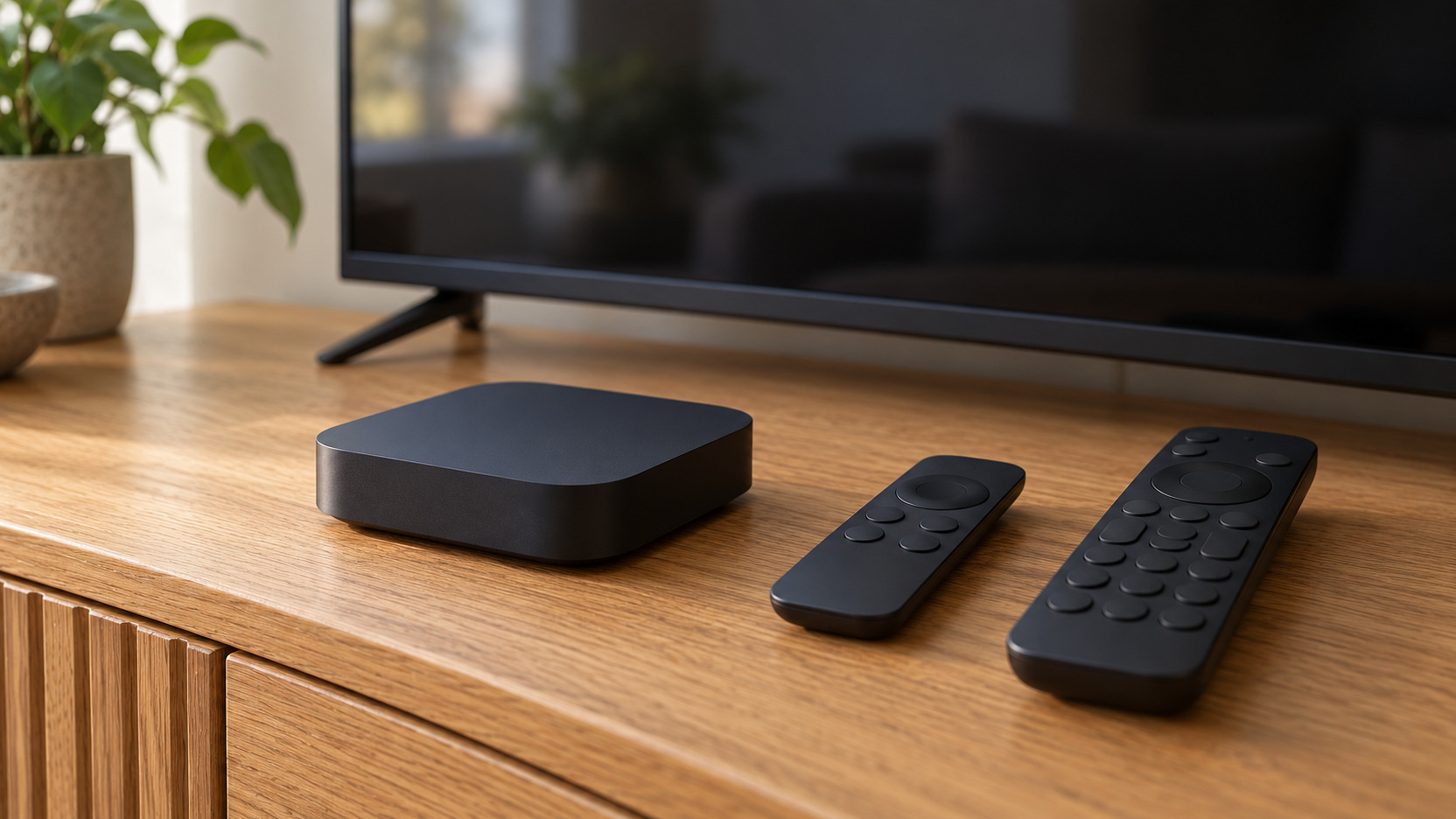
An external player supplies another app and control platform through a supported connection. It still relies on the television for the picture and may rely on other equipment for sound. Think of it as changing one part of the entertainment route. The useful question is what that change accomplishes for your existing setup.
List the Services That Must Work
Name essential services before comparing hardware. Include regional providers, live programming, and other apps the household uses regularly. Check current availability on the exact television or streaming device model in your country. A recognizable platform name does not guarantee access to every service.
Then distinguish an unavailable service from a temporary problem with an installed app. Samsung’s app troubleshooting guidance, for example, describes checks for apps that fail to load or work properly. Follow the manufacturer’s relevant sequence before treating a new device as necessary. The appropriate response depends on whether support is absent or the existing setup needs attention.
Keep the service list short enough to guide the decision. An enormous catalog of optional apps may make a device appear attractive without improving your ordinary viewing. Give the essential providers more weight. The winner should make the entertainment you already value available and manageable.
Compare the Interface Through Ordinary Household Tasks
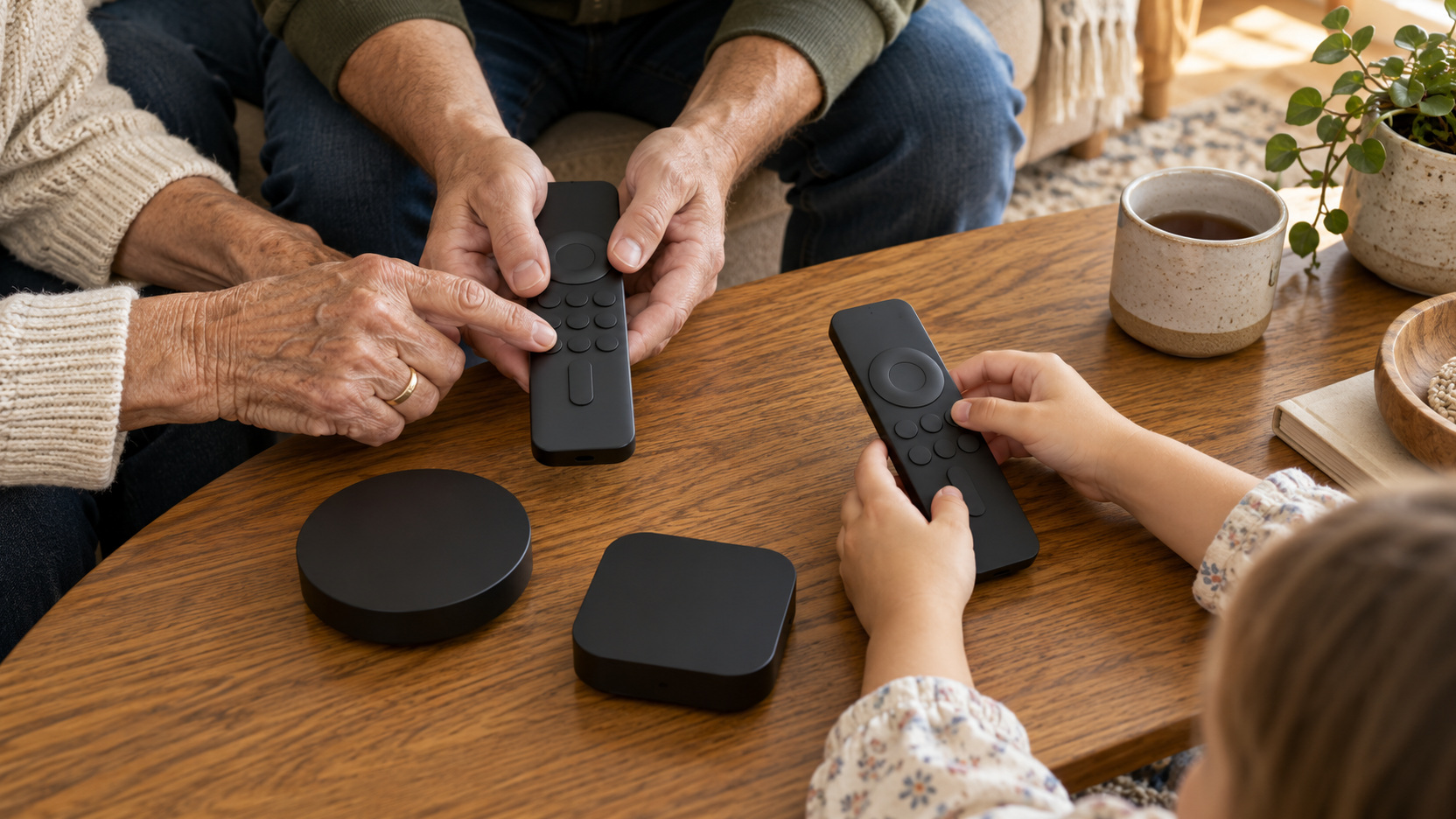
Try finding a familiar program, choosing a profile, returning to a home screen, and opening another service. Include the regular viewer who is least interested in managing equipment. Their experience can reveal confusing menus or an inconvenient remote. A platform should be judged through use rather than a promotional screenshot.
Notice whether the proposed player genuinely simplifies the routine. If another remote, input change, or account step replaces the original difficulty, the benefit may be smaller than expected. That does not rule out the device, but it belongs in the comparison. A family-room improvement should be understandable to the people who will operate it.
Identify the Specific Problem an External Player Would Solve
Describe the desired change in a concrete sentence. You may need a supported service the TV lacks, prefer another control arrangement, or want a feature available through a particular device. Confirm that the candidate supplies that change on your television. A product’s general reputation cannot establish the result in your home.
Avoid buying a player merely because the built-in platform is older. Check how it actually performs and whether current support remains adequate for your needs. Some households have no practical reason to change a functioning arrangement. Others may benefit substantially from a new route while retaining a picture they already enjoy.
Think about whether the difficulty comes from connectivity rather than the app platform. A new player using the same weak network condition may encounter similar trouble. Test the current device’s connection and follow documented troubleshooting. The purchase should address the identified cause rather than supply a second way to experience it.
Verify the Physical Connection and Power Arrangement
Check the television’s available inputs and the player’s documented requirements. Include any sound system or other equipment in the path. Roku’s setup guidance illustrates the need to follow the particular player’s HDMI and power instructions. Other devices can have different arrangements. Use the instructions for the exact product rather than assuming every compact player connects identically.
Inspect the space around the intended input and where the device or its leads will rest. An available socket can still be awkward to access behind a mounted television. Preserve the manufacturer’s required operating arrangement and a manageable service route. Include any necessary fitting or supported accessories in the complete cost.
Match Picture Features Through the Entire Route
If you want a particular resolution or HDR format, verify the service, subscription, content, player, connection, and television together. A capable device cannot add a display capability the television does not possess. Likewise, a capable television cannot guarantee that every app or title supplies the desired format. The complete combination matters.
Check specific device generations rather than broad product names. Similar-looking players may differ in supported features and network connections. Confirm the item in the actual listing against the relevant documentation. This is especially useful when an older model remains on sale beside a newer one.
Do not pay for unused formats solely because they appear at the top of a comparison table. Decide which features you will access often and whether they create an improvement you value. A simpler supported route can be sufficient. The best fit is not always the device with the longest specification list.
Confirm Audio Where It Matters to the Household
Map how sound will reach the television speakers, soundbar, or receiver. Particular audio formats can depend on the player’s output, the television’s handling, and the chosen connection. Consult the exact equipment documentation. An external device does not automatically preserve every feature available through a built-in app.
Use a familiar program to compare ordinary dialogue and any supported listening controls. Include the household’s normal evening level. If private listening or headphones are important, confirm the actual compatibility and operating routine. The proposed route should improve or preserve those everyday needs rather than only supply another home screen.
Consider Network Features as Part of Placement
Check the device’s supported network options and the conditions at its intended location. A wired arrangement may suit one room; another may depend on wireless access. Test ordinary viewing hours rather than assuming that a device’s small size makes its placement irrelevant. Network behavior belongs beside app support in the decision. Netflix’s speed recommendations emphasize a stable connection and identify different requirements for different picture qualities. Use each service’s current guidance for your intended use. A player purchase and an internet-plan change are separate decisions. Neither should be treated as a guaranteed answer before the actual playback condition has been assessed. If a wired route is the proposed improvement, verify the exact player’s Ethernet port or supported adapter and include any required accessory in the complete cost. A compact device does not necessarily offer the same network options as another model on its platform.
Compare Update and Support Information Carefully
Look for current update and troubleshooting information for the exact television and player. An external platform can supply another supported app route, but it is not a guarantee of indefinite software availability. Check how updates are obtained and whether the essential services still support the product generation you are buying. A familiar brand name alone does not answer those questions.
Consider a television whose built-in app no longer supports the family’s main service. An external player is useful if that service officially supports the exact candidate and the player connects to the television as required. By contrast, replacing the app route may do little for buffering caused by an unreliable connection at the same location. Separate those cases before purchasing, then use the relevant support information to verify that the proposed change addresses the actual problem.
Keep Profiles and Account Management Understandable
Adding a device can require setup, app sign-ins, and review of the household’s viewing controls. Plan who will manage those steps and how ordinary viewers will choose their profiles afterward. Do not assume restrictions transfer automatically from another playback route. Verify the intended arrangement on the new device.
Read the relevant provider’s current settings guidance. Netflix’s parental-control information describes controls within its service, including profile locks and viewing restrictions. Other services have their own scope and settings. The family should understand which controls apply to which route and revisit them as habits change.
Keep setup access distinct from ordinary use where the platform permits it. The person who manages the account should not need to be present whenever someone starts a program. A short household instruction can clarify the everyday path. Choose hardware that supports a manageable routine rather than one that simply adds another account to maintain.
Compare Cost With Replacing or Retaining the Television
If the existing picture and physical installation still meet your needs, compare a supported external player with the much larger project of replacing the television. Include the device, required accessories, fitting, and any changed service costs. The player may solve a platform problem without rebuilding the room. Confirm that it actually supplies the improvement before treating its lower price as a solution.
If the television also needs replacement for independent reasons, compare the new model’s built-in route before automatically adding a player. You may find that the proposed television already meets the service and control brief. The two decisions can be coordinated without assuming both purchases are necessary. A clear reason for each component reduces unnecessary complexity.
Trial the Route During a Normal Evening
Set up the chosen route according to its instructions, then test the essential services with familiar content. Check starting playback, pausing, changing services, controlling sound, and stopping. Let another regular viewer try without coaching every action. That is a more useful trial than confirming that the device displays its initial menu.
Compare with the previous arrangement against the original problem statement. Has the missing service become available, the routine become simpler, or the intended feature become supported? Record the improvement and any new inconvenience. A trial should lead to a decision rather than endless adjustment for its own sake.
If the device does not provide the expected benefit, use the documented support route and the purchase’s understood return terms as appropriate. Do not accumulate another player before understanding the difficulty. The household needs a dependable path to programs, not several unresolved alternatives. Keep the equipment inventory tied to useful results.
Set One Clear Default for the Family Room
You can retain both built-in apps and an external route, but identify which the household normally uses. Explain when the other route is helpful, such as access to a particular supported service. Keep the distinction simple. Multiple options are valuable when their purposes are clear.
Save the successful connection and control arrangement with the equipment records. That helps when a source changes or someone accidentally selects another input. The visible room can remain uncluttered while the setup stays understandable. A clear default reduces the small interruptions that make streaming feel unnecessarily technical.
Choose Through the Actual Benefit Rather Than the Category
Use built-in streaming when it supports your services, useful features, and household controls comfortably. Consider an external device when it resolves a confirmed limitation while fitting the television’s connections and the room’s operating routine. Either can be the right primary route. The choice should follow the evidence from your own setup. Before calling the project complete, repeat the essential viewing tasks and confirm the full cost. If the household can find its programs, enjoy the picture and sound, and operate the route predictably, the decision has served its purpose. Keep future changes tied to specific needs. A good family-room platform makes entertainment easier to reach and then gets out of the way.