Build a Room That Makes Shared Streaming Easy
A streaming-ready family room is one where people can settle into useful seats, find the program they want, hear it comfortably, and operate the setup without relying on one household expert. The internet connection and playback equipment matter, but so do daylight, storage, captions, and the small routines that begin and end an evening. Start with the people who use the room and the services they actually watch. Then coordinate the physical arrangement and the technology around those habits. A successful result can remain simple: a dependable viewing path, comfortable shared space, and clear controls often contribute more to everyday enjoyment than a room full of features no one remembers how to use.
Describe the Household's Viewing Situations
List the regular occasions the room needs to support. Family movie night, a quiet solo program, a live sports event, and younger viewers choosing a show may involve different needs. Include who watches, where they sit, and what they use to begin playback. The design should serve those situations rather than an imagined average viewer.
Identify the services and sources that matter most. Built-in television apps, an external player, and other equipment can coexist, but each additional route introduces another operating choice. Decide which will be the ordinary starting point. A clear primary path makes the rest of the setup easier to organize.
Arrange the Seats Before Buying Another Screen
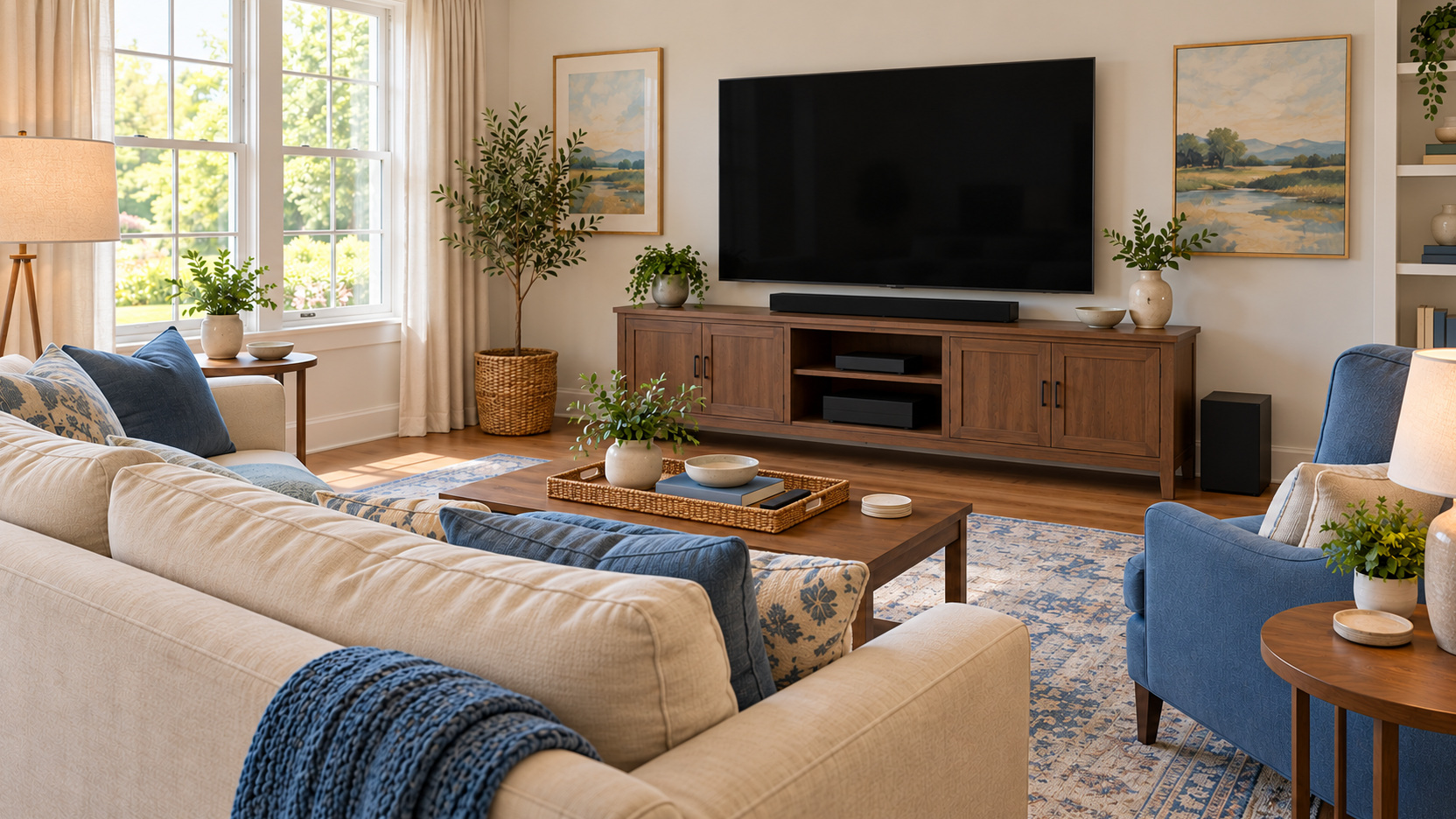
Evaluate the television from the family’s actual seats. Check whether people face it comfortably and can read subtitles and program details without leaning or turning awkwardly. Include the side chair and the places used by guests. A screen upgrade cannot automatically resolve an inconvenient seating plan.
Review the picture height and the scale of the screen in relation to those seats. Trial a proposed position before permanent fitting where possible. The room’s focal point should support watching while leaving appropriate circulation and access to other activities. A technically capable television earns its place through a usable arrangement.
If the room serves conversation too, avoid assuming every seat must remain fixed toward the screen at all times. A manageable change between activities may be more useful. Include where movable furniture rests and how much effort the transition requires. The plan should support both viewing and the room’s broader family role.
Check Light During the Hours You Watch
Observe the room during a daytime program and again in the evening. Windows, lamps, and reflective objects may affect the picture differently. Try suitable curtains or lamp positions where they improve the actual viewing condition. Do not assess the room solely with the television switched off.
Keep a useful lighting arrangement for tasks around watching. People may need to read a program choice, find a remote, or move through the room. Decorative lighting can add atmosphere, but ordinary operation should remain straightforward. The room should be comfortable before, during, and after playback.
Establish a Dependable Connection at the Viewing Device
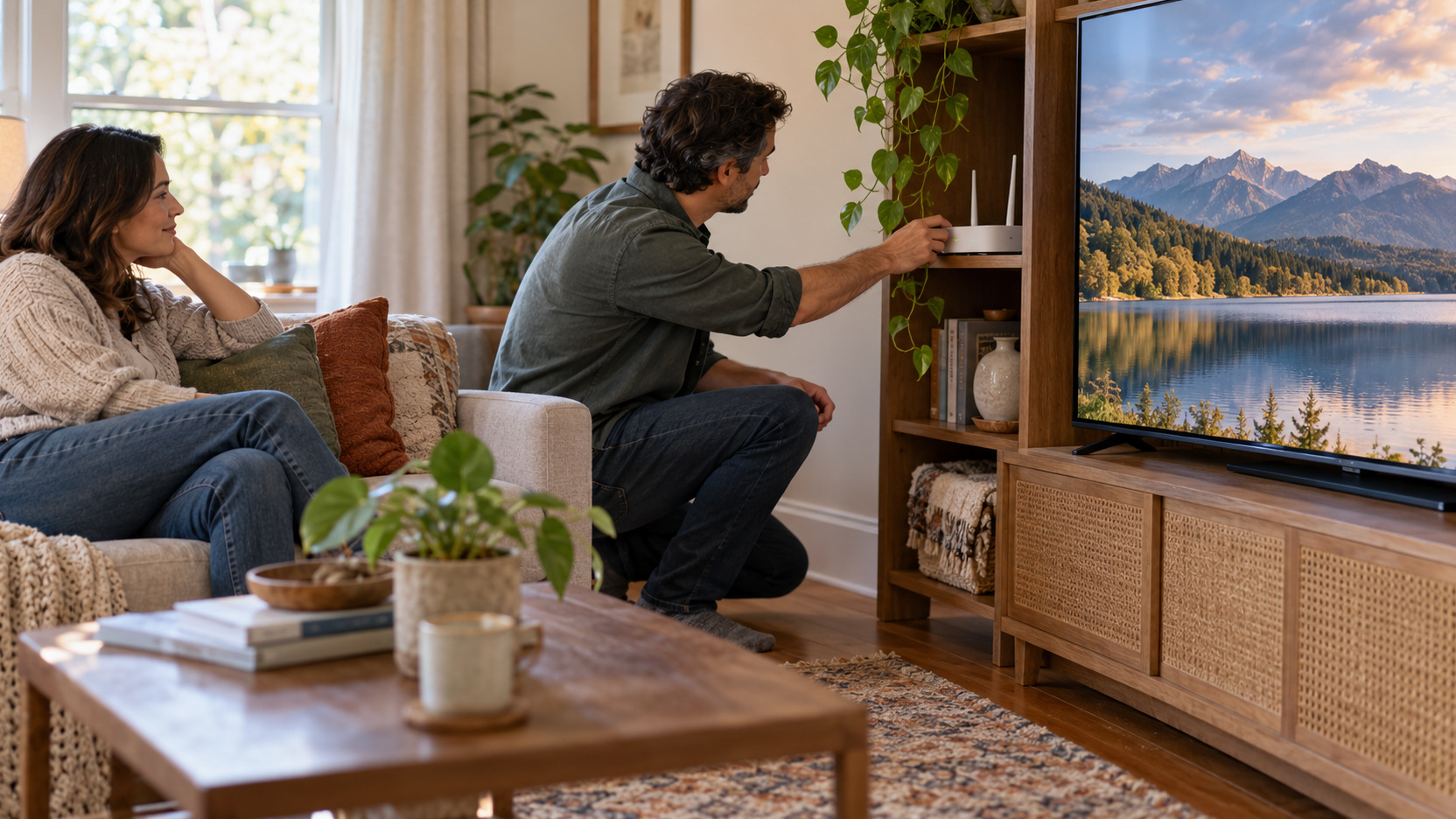
The purchased internet plan is only part of the streaming connection. Check performance at the television or player, through the network arrangement it will actually use. Test during typical viewing hours with ordinary household activity present. A strong result beside the router may not describe the device across the house.
Netflix recommends a stable connection and currently lists 15 Mbps or higher for 4K streaming, with lower recommendations for HD formats. That is a service-specific reference, not a guarantee for every household or platform. Other simultaneous activity and services have their own requirements. Consult the providers you use before selecting a target.
Where playback struggles, follow the service and equipment troubleshooting guidance before purchasing another device or plan. A supported wired connection may be an option if the hardware and room route permit it. Wireless performance should be evaluated in the intended location. The goal is reliable delivery through the chosen arrangement, not the largest speed number in an advertisement.
Confirm That the Playback Path Supports Your Services
Check that the television or player supports the required apps in your region and on the exact model. Service availability can vary with equipment and change over time. Make a short list of essential providers and confirm them before buying. A familiar brand name does not establish support for every service you want.
If picture or audio formats matter, verify the entire route. The service, subscription, title, device, television, and any connected audio system may contribute to the available result. Decide which capabilities you will regularly use. A complete supported path is more useful than a set of individually impressive feature labels.
Keep Equipment Placement Serviceable
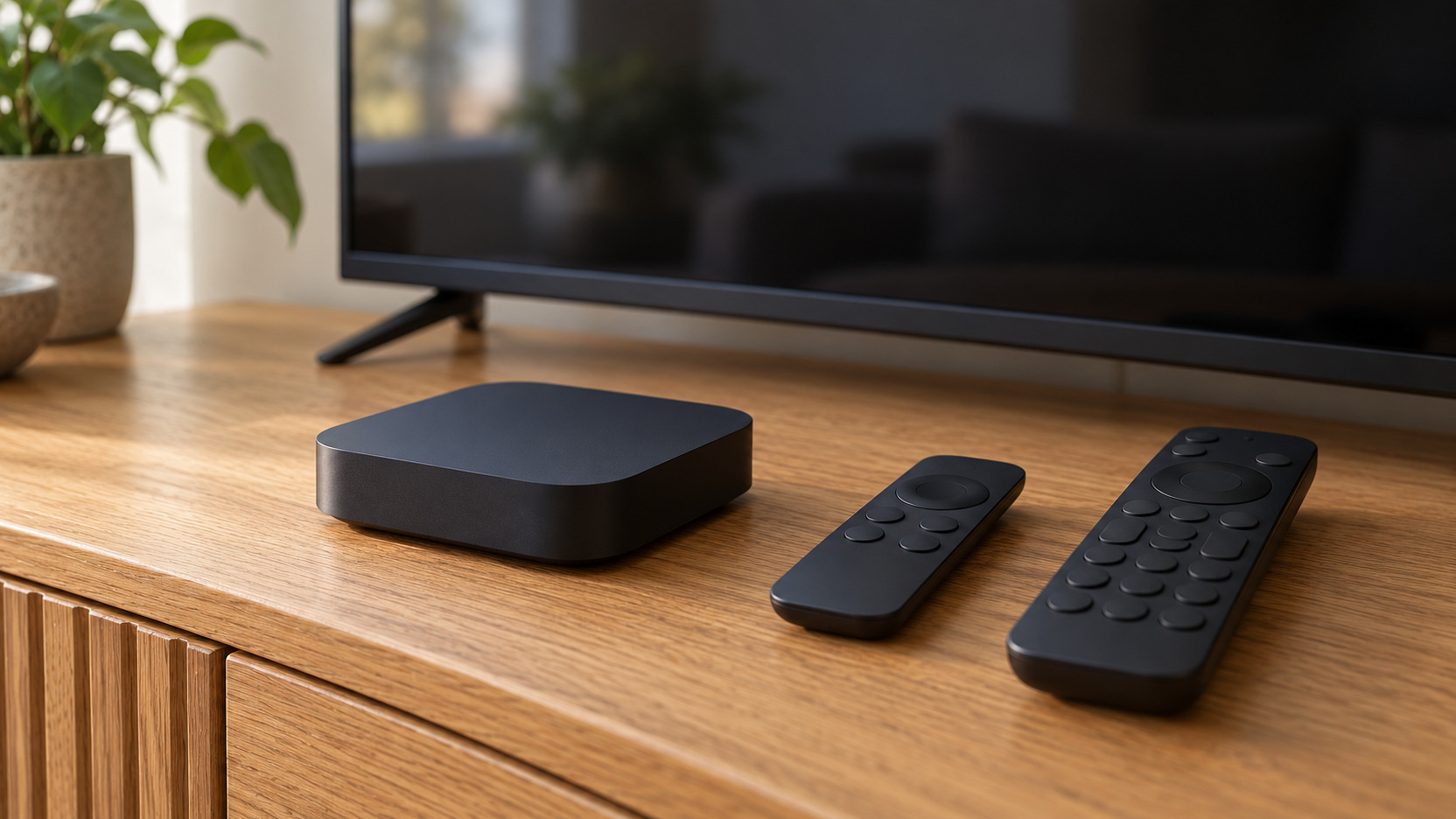
Give each device a place that follows its manufacturer instructions for support, ventilation, and connections. A streaming player may need less room than other equipment, but it still has a prescribed arrangement. Roku’s setup guidance provides an example of model-dependent HDMI and power installation. Use the current instructions for your selected device.
Preserve access to the ports and leads you may need to change. A beautifully hidden player can become inconvenient if a routine restart or reconnection requires moving the television. Include actual plugs and power equipment in the plan. Cable organization should make the setup understandable as well as tidy.
Separate storage from operating space. Remotes and spare accessories can share suitable storage, while active devices need their required clearances. Avoid surrounding equipment with objects solely to conceal it. A neat media area is most useful when the household can still identify and maintain the working arrangement.
Make Sound Comfortable Across the Regular Seats
Listen to a familiar conversation and a more active scene from the family’s usual positions. Compare the result at a realistic evening volume. If words are difficult to follow, review placement and available speech or low-volume controls before assuming a larger speaker package is necessary. A shared streaming room should let viewers understand the program without constant volume changes.
Discuss different listening preferences openly. Some people may appreciate captions or a supported headphone arrangement, while others prefer shared speakers. Check the equipment’s actual capabilities before planning simultaneous uses. A workable household arrangement should reflect those preferences rather than insist that everyone experience the program in exactly the same way.
Give Captions and Accessibility a Normal Place
Explore the services’ available caption, audio-description, and interface options with the people who use them. Support varies by title, app, and device. Check the actual programs and setup rather than assuming one feature works everywhere. Make useful options easy to activate and retain a practical baseline. Accessibility belongs in ordinary room planning because it affects how comfortably people can enjoy the same entertainment.
Simplify the Starting and Stopping Routine
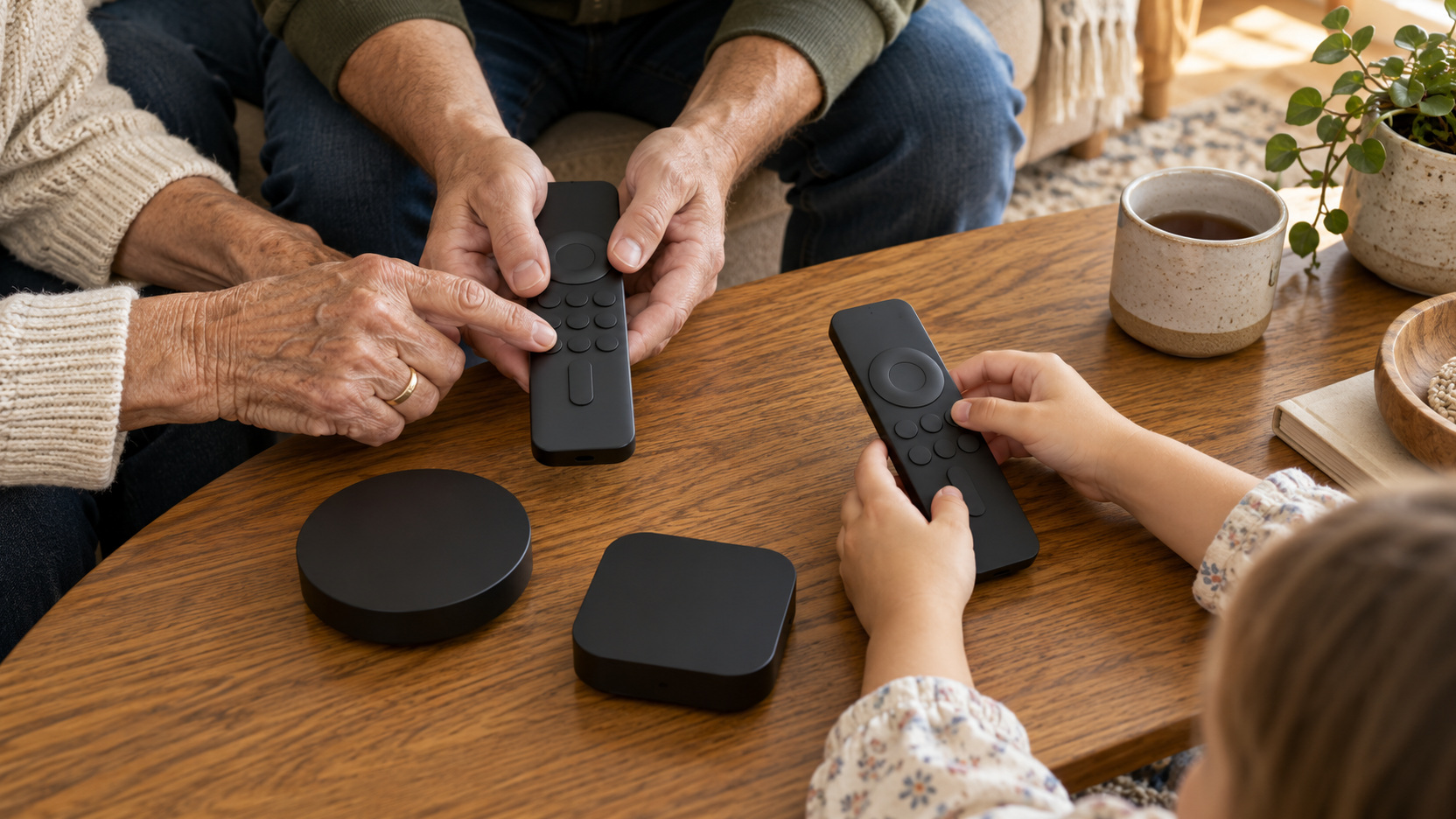
Ask a regular viewer who did not configure the equipment to start a familiar program. Watch how they choose the source, select a profile, open a service, and adjust sound. That exercise reveals confusing steps quickly. A setup that works only with instructions from the household expert needs refinement.
Reduce unnecessary routes and keep the normal controls in an obvious place. If multiple remotes remain necessary, give each a clear role rather than hiding them all together without explanation. Consider a brief household instruction for the ordinary starting sequence. It should help someone watch a program, not teach the whole entertainment system.
Try turning everything off and returning the room to its normal state. Check whether the next user begins in a predictable place. An accidental input change or unusual listening mode can make the following session confusing. A consistent end-of-evening routine is part of the setup’s usefulness.
Configure Profiles and Viewing Controls Deliberately
Profiles can separate viewing preferences, but their presence alone does not establish the restrictions a family wants. Review each service’s current controls and choose the settings appropriate to your household. Netflix’s parental-control guidance, for example, covers maturity limits, title restrictions, and profile locks. Those controls should be understood within that service rather than assumed to apply across the television.
Discuss who manages account settings and how everyday viewers select the appropriate profile. Check the actual device after configuration. A family plan becomes clearer when the intended boundaries and operating routine match. Revisit the arrangement as children and viewing habits change.
Organize the Small Objects That Shape the Evening
Give remotes, headphones, and commonly used accessories suitable nearby homes. Include charging where the devices require it, using compatible equipment. A control that is usually missing can undermine an otherwise simple system. Storage should make returning items easy for every regular user.
Leave a convenient surface for drinks and ordinary personal items without crowding equipment. Check reach from the seats and preserve the route through the room. These modest furniture decisions contribute to whether an evening feels comfortable. A streaming-ready room is still a place people inhabit, not only a chain of electronics.
Keep receipts, model details, and the connection plan together elsewhere. They need not occupy the media console, but they should be available when support or a future change requires them. A simple record helps avoid repeating the original setup investigation. It can also identify which component actually needs attention when something stops working.
Review Subscriptions Through the Programs You Watch
List ongoing services separately from equipment purchases and review their current terms. Consider which programs or activities each one supplies. You may not need every service continuously to enjoy the room. A clear subscription plan keeps the operating cost connected to actual use.
Avoid assuming a new device includes permanent access to paid programming. Offers, trial periods, and service accounts have their own conditions. Confirm them before treating a bundle as a long-term saving. The playback hardware and the content access are distinct parts of the overall arrangement.
Finish With a Shared Viewing Trial
Try a busy family evening rather than one uninterrupted test program. One person starts a familiar service, another selects the appropriate profile, and someone in the side chair checks the picture and captions. Let the household use its normal network activities at the same time. If playback repeatedly stalls, investigate the service and connection conditions; if only starting the program is confusing, simplify the source and remote sequence instead of treating both problems as a reason to buy hardware. Give the next test one question to answer, then replay the same program under comparable conditions. That prevents a household routine problem from becoming an unnecessary equipment replacement.
Next trial the quieter arrangement. Use the family’s normal evening volume and lighting, including any supported private-listening option. A lamp may need moving if it reflects into the picture, while a missing remote may need an obvious return point. These observations connect a small change to a recurring difficulty. They are more actionable than trying to optimize every component after a single setup session.
For guests, keep the participation simple: a usable seat, an agreed program, and one person who can operate the familiar route. Visitors need not change account settings to enjoy a shared film. Put remotes and accessories back in their homes afterward so the next viewer starts predictably. The room is ready when ordinary people can watch together without the organizer having to reconstruct the setup each time.