Choose for the People Holding the Remote
The best streaming device for a family is the one that makes ordinary viewing easier for the people who actually use the television. That can mean a clear remote for a grandparent, understandable purchase controls for a parent, or quick access to a child’s favorite subscription without searching through several menus. A long feature list does not tell you how those needs fit together. Before comparing boxes and sticks, describe a normal afternoon and a normal evening in your room. Then judge each candidate against those routines, the services you already pay for, and the television it will join.
Start With the Household's Essential Programs
List the streaming services your family uses rather than every app a device advertises. Include less obvious essentials such as a regional broadcaster, a particular live-TV subscription, or an app used for a favorite sport. Check availability for the exact device model and your region through official service information. A familiar platform name does not guarantee every service works on every generation.
Ask how each person reaches those programs today. One household may rely on a straightforward app grid, while another likes searching across services. Neither approach is inherently better for everyone. The important distinction is whether the device helps the family find its actual programs without introducing confusing detours.
Separate an app being available from a subscription being included. A player generally supplies a way to run compatible services, while access to paid programming depends on the relevant account and plan. Free trials can also become paid subscriptions. Compare the ongoing arrangement you intend to keep rather than a temporary offer that makes the purchase look cheaper.
Examine the Remote as Everyday Equipment
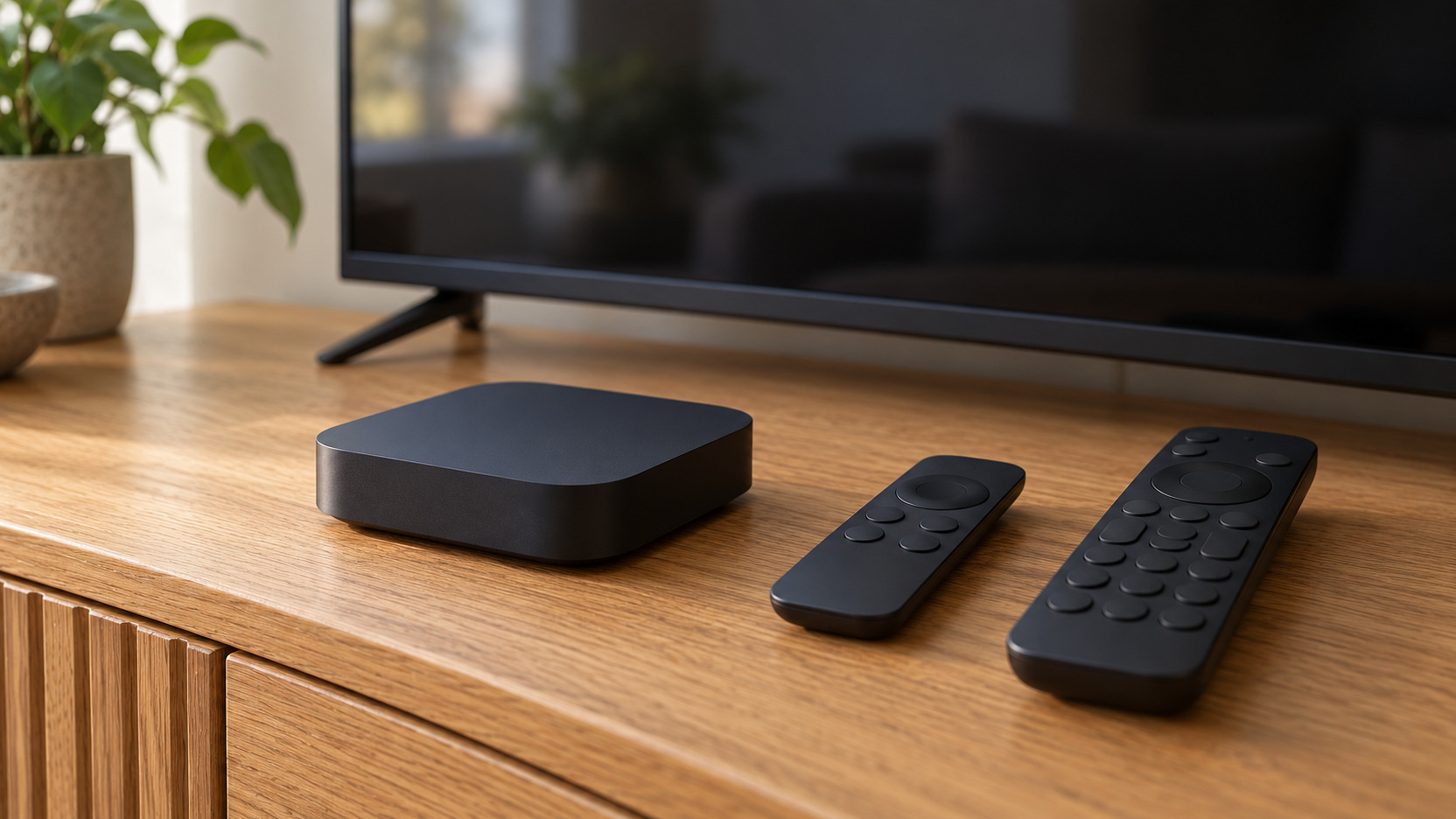
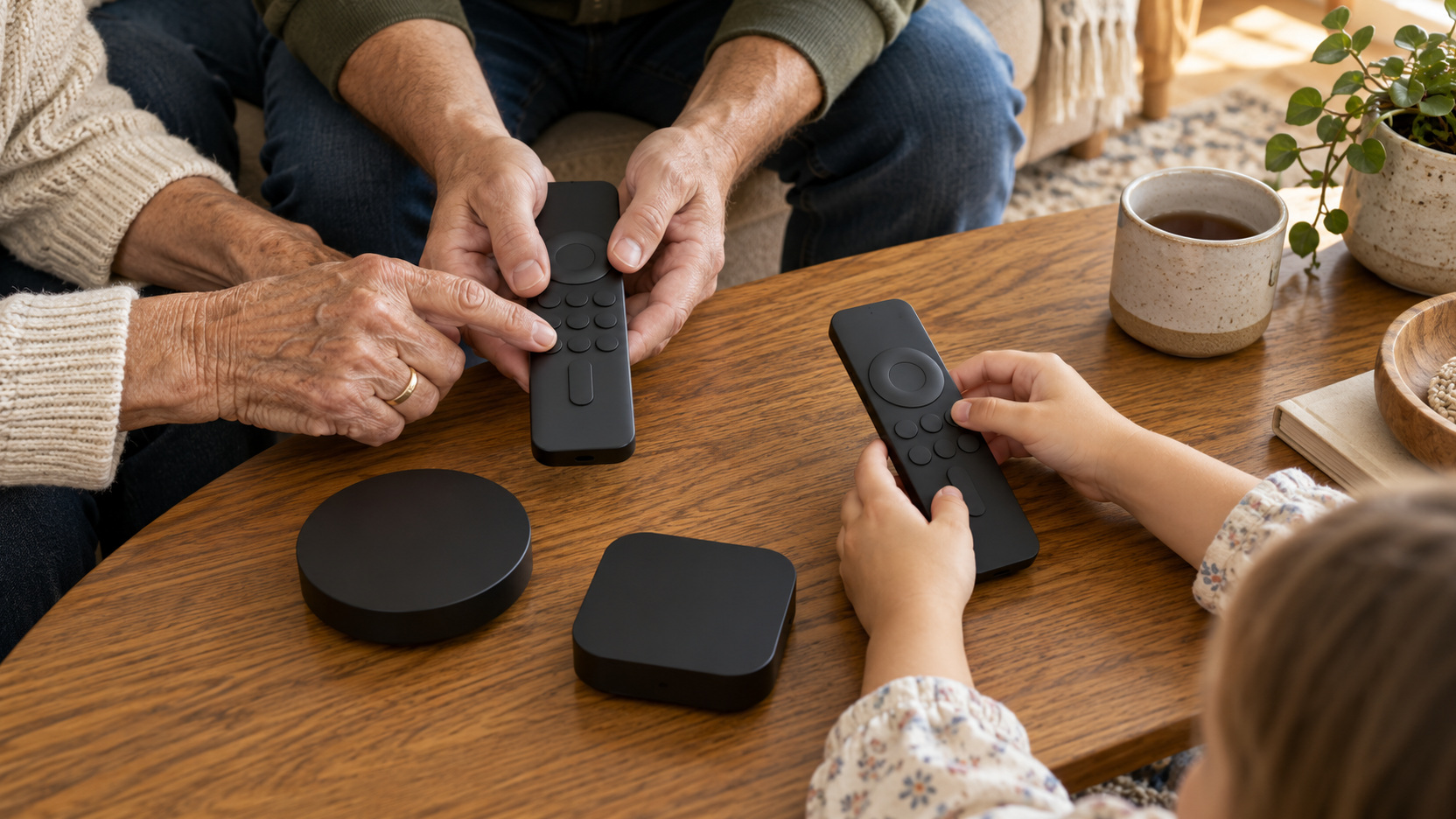
Look at the controls people will use most: navigation, back, home, volume, and power. Their positions, separation, and feel matter when someone watches without staring at the remote. If possible, try the actual remote or examine clear product photographs and documentation. A compact design can be convenient, but closely packed controls may be awkward for some hands.
Confirm whether the proposed remote can control your particular television or audio setup in the intended way. Compatibility depends on the equipment and supported control methods, not just the presence of volume buttons. Decide whether keeping a second remote is acceptable. A modestly priced player can become frustrating if every session starts with an unexplained sequence of remote changes.
Treat Accessibility as a Buying Requirement
Consider the household’s specific needs before ranking performance features. Review supported captions, audio description where content provides it, screen-reading features, interface adjustments, and compatible listening options. Availability can depend on the app as well as the device. Test the combination that matters to the person using it, because an accessibility feature listed for the platform may behave differently inside a particular service. Think through the entire task, including reaching the program and changing settings once it begins. Someone may comfortably watch a captioned film yet struggle to find the caption control independently. Ask that person what would make the routine easier, and use the answer to guide the comparison instead of choosing an impressive feature on their behalf.
Understand the Boundaries of Family Controls
Check purchase restrictions separately from content restrictions. A setting that prevents purchases through a platform account may not filter programs inside a third-party app. Likewise, a child profile in one service does not establish the rules for every other app on the television. Write down which settings belong to the device and which must be managed within subscriptions.
Roku’s current PIN guidance describes controls for supported purchases and subscriptions made through the Roku account. Its parental content controls have a defined scope rather than covering every streaming service. This illustrates a useful shopping principle: read what a control actually governs. Do not assume that a prominent parental-control label means the whole television experience is restricted.
Decide how adults will maintain those settings as children grow and new apps are added. An easily understood arrangement is more useful than a collection of controls nobody remembers how to check. Keep adult credentials available to the responsible people without displaying them beside the TV. Revisit the configuration after adding a service or changing account ownership.
Compare the Home Screen During Real Tasks
Think about what appears when the television wakes. Some interfaces emphasize recommendations, promoted content, or a broad search view; others make an app-focused routine easier to establish. Review current official demonstrations and try the device where practical. Judge whether someone can reach a familiar program without being distracted by unfamiliar offers.
Consider the difference between a useful recommendation and a confusing route into a paid service. Families may appreciate discovering films together, yet still want clear boundaries around subscribing or renting. Check how the interface distinguishes available content from material requiring an additional payment. The goal is an understandable path, not necessarily the fewest possible buttons.
Match Picture Features to the Whole Setup
Start with the television’s supported formats and the subscriptions you use. A device capable of a particular resolution or HDR format cannot make unsupported content or an incompatible display produce that format. Check the exact model specifications and relevant service requirements. This prevents paying extra for a feature that does not reach your screen.
If video travels through an audio receiver, switch, or soundbar, include that equipment in the compatibility check. Every part of the path can affect which features work. Use the manufacturers’ guidance for ports and cables rather than choosing solely by an accessory’s marketing language. Confirm the intended connection before placing an order.
Keep the household’s viewing distance and priorities in perspective. A family mainly watching familiar shows may value reliable operation and simple controls more than an advanced format used occasionally. Another household may regularly choose films that make those formats worthwhile. Spend according to actual use rather than assuming the longest specification list produces the best family experience.
Check Network Options Before Choosing a Form Factor
A small streaming stick can be tidy, while a separate box may offer a different set of connections. Those differences vary by model, so verify Wi-Fi support, Ethernet availability, and any supported adapter requirements individually. Look at the network conditions near the TV. The right shape is the one that fits both the physical installation and the connection you intend to use. If the existing setup already buffers, investigate that problem before expecting a new player to solve it. A device change will not necessarily improve an unreliable broadband connection or a poorly covered location. On the other hand, a confirmed need for a supported wired connection can give you a concrete reason to prefer a particular model. Keep the network decision connected to evidence from your room.
Plan Power, Space, and Access
Read how the exact player should be powered. Follow the supplied adapter and manufacturer instructions instead of assuming any convenient USB port will provide suitable power. Check whether the included cable can reach an appropriate outlet through a practical route. A hidden installation still needs accessible connections for maintenance.
Allow room around ports and ventilation. Behind a wall-mounted television, a plug or stick may interfere with the mount even when the device itself looks small. A box on a shelf may need space for connectors at the back. Measure the usable clearance, including the cable bend, rather than the product dimensions alone.
Consider how someone will restart or disconnect the player when needed. An arrangement that requires removing a heavy television for routine access creates an avoidable burden. Keep cables supported without trapping the equipment inside an unsuitable enclosure. Let the device’s installation requirements guide how closely it can be concealed.
Decide Whether Phone Integration Helps Everyone
Phone-based control, casting, or account integration can be useful when it fits the household’s existing devices. Check which combinations are officially supported and which apps participate. Do not treat a feature demonstrated with one phone as universal. Also consider who owns the account that makes the integration work.
Make sure basic viewing remains understandable when that phone is absent or charging elsewhere. A guest, babysitter, or grandparent may need to watch without borrowing an adult’s personal device. The ordinary remote should still cover the tasks the household expects it to cover. Convenient integration is strongest when it adds options without making a common routine dependent on one person.
Look Beyond the Initial Hardware Price
Compare the complete purchase, including any necessary adapter, suitable cable, or replacement remote arrangement. Add only costs that your setup actually requires. Keep subscription charges separate so you can distinguish the device decision from programming expenses. A realistic total is more useful than either a bare sticker price or a list of hypothetical accessories.
Review current support information for the model before purchasing, especially if it is discounted older stock. Confirm that your essential apps still support it and that the manufacturer provides relevant help. Avoid assuming a fixed number of future software years unless the company explicitly promises them. Useful service life depends on continued compatibility as well as whether the hardware still switches on.
Check the seller’s return terms and any conditions that affect a home trial. A short period of ordinary family use can reveal issues that a showroom demonstration misses. Keep packaging and purchase records according to those terms. The ability to assess the device in your own setup has practical value when compatibility remains uncertain.
Build a Shortlist With Distinct Reasons
Three concrete candidates illustrate different family priorities; this is a fit-based shortlist, not a claim of hands-on comparative testing. As checked against US official specifications in October 2026, the Roku Streaming Stick 4K offers Wi-Fi streaming, a compact behind-TV form, and a voice remote with television power and volume controls. It is a candidate when the essential apps are supported and wireless coverage is already dependable. The Roku Ultra, model 4850, is worth comparing when Ethernet or remote convenience matters: its listed features include a backlit rechargeable Voice Remote Pro and lost-remote finder. Those additions can justify the larger box when they answer an actual household problem, rather than making it the automatic winner.
For a household already comfortable with Apple devices, compare the Apple TV 4K and its Siri Remote through the same everyday tasks. Apple’s listed 64GB model uses Wi-Fi; the 128GB Wi-Fi and Ethernet version adds Gigabit Ethernet, so specify the version if wired networking is essential. Apple’s device restrictions offer a documented way to limit supported purchases and content, while third-party apps still require checking their own controls. Choose this candidate for a usable family routine and required services, not an assumption that an Apple account includes paid programming. Compare current prices and regional app support before ordering any of the three.
Evaluate the Device Through a Normal Week
During any permitted trial, let different family members perform their usual tasks. Open the essential services, switch between them, adjust sound, enable captions, and recover from an accidental menu change. Test the device at normal viewing times rather than only during a quiet setup session. This is where a promising specification becomes a practical household experience.
Review whether adults understand purchasing and content settings after setup. Check the service-specific controls you intended to use, not merely the platform account. Confirm that a routine update or sign-in has not left a necessary app inaccessible. Keep a simple record of where the important settings live.
Decide based on the patterns that emerge. If everyone reaches programs comfortably and the setup works with the room’s equipment, you have a strong fit even if another player has extra features. If the same confusing step repeatedly needs adult intervention, take that friction seriously. The best family purchase makes regular viewing easier across the household, not just during the initial demonstration.