Tidy the View Before Organizing Every Wire
Living-room cable clutter tends to spread beyond the television. A charger drapes over an armchair, a lamp cord crosses an open corner, and spare leads collect beside the media cabinet. Tidying the room quickly means looking at those connections as part of the whole space. Start with the wires people see and the routes they use every day, then organize the hidden equipment where it will help maintain the result. A few deliberate changes can make the room feel calmer without requiring every cable to vanish. The most useful ideas also survive family routines, cleaning, and the next device that arrives.
Walk Through the Room as a Visitor Would
Enter through the usual doorway and look toward the seating area. Notice hanging leads, high-contrast lines, and small piles of adapters before inspecting behind furniture. Those exposed details often account for much of the room’s untidy appearance. Pick the most conspicuous problem first so the initial effort produces a visible difference.
Sit in the seats the family uses most. A cable hidden from the entrance might be obvious beside a favorite chair, while a carefully organized corner may barely enter anyone’s view. Compare those perspectives before buying organizers. The room needs to work from ordinary living positions rather than one chosen photograph.
Remove the Connections Nobody Uses
Check the area around the media cabinet for disconnected devices and spare leads. Trace unfamiliar cables before removing them, then safely disconnect equipment that is no longer part of the setup. Store useful spares elsewhere by purpose. Keeping inactive leads in the living room’s working bundle makes every later organizing choice more complicated.
Look at charging habits as well as entertainment equipment. A family may have accumulated several chargers that serve the same occasional task. Keep the ones needed for the actual household devices and use suitable equipment according to its instructions. Do not discard an unfamiliar adapter until you know which device it belongs to.
Clear packaging, unused accessories, and obsolete remote batteries from equipment areas. These items can make a cable problem appear larger than it is. Give legitimate spare parts a separate home. The visible room and the active connection area become easier to manage when they no longer double as unsorted technology storage.
Use Furniture Edges to Reduce Visual Noise
A lead that follows a suitable furniture edge can look more orderly than one falling diagonally through open space. Check whether a lamp cord can travel along the back of its side table or a charging lead can reach a discreet supported point. Keep cords clear of pinching, heat, and moving joints. Follow the equipment and organizer instructions for support rather than pulling a cable tight against an edge. The furniture should help define an appropriate route while leaving the connection accessible for normal use.
Bring the Connection Closer to Its Task
Consider whether the layout itself creates unnecessary cable length. A lamp moved to a table nearer a suitable outlet may need less visible routing, while a charging spot can work better beside the seat where it is actually used. Try a small furniture adjustment before purchasing a cover. Keep pathways and access comfortable while testing the change.
Do not relocate equipment simply to hide a cord if the new position makes the room less usable. A speaker, lamp, or router has a function beyond its appearance. Check the relevant placement and operating guidance. The best arrangement reduces clutter while preserving the reason the device belongs in the room.
Give Charging Leads a Consistent Landing Place
Choose a practical charging spot instead of letting portable leads migrate across several seats. It might be a side table or an accessible part of the console, depending on the room and suitable power access. Keep the needed connectors reachable. A charging arrangement should accommodate the devices people actually bring into the space.
Use a suitable cable holder to retain an end that otherwise falls behind furniture. Check that the holder fits without compressing the lead or straining its connector. Let the cable reach the normal resting position of the device. A neatly parked end is useful only if charging remains easy.
Agree where cables go when the device leaves. A simple household habit can prevent a tidy corner from becoming a loose pile again. Avoid relying on an elaborate system that nobody will follow after a busy evening. The routine should take a moment and require no rearrangement of the furniture.
Conceal the TV Drop With One Clear Route
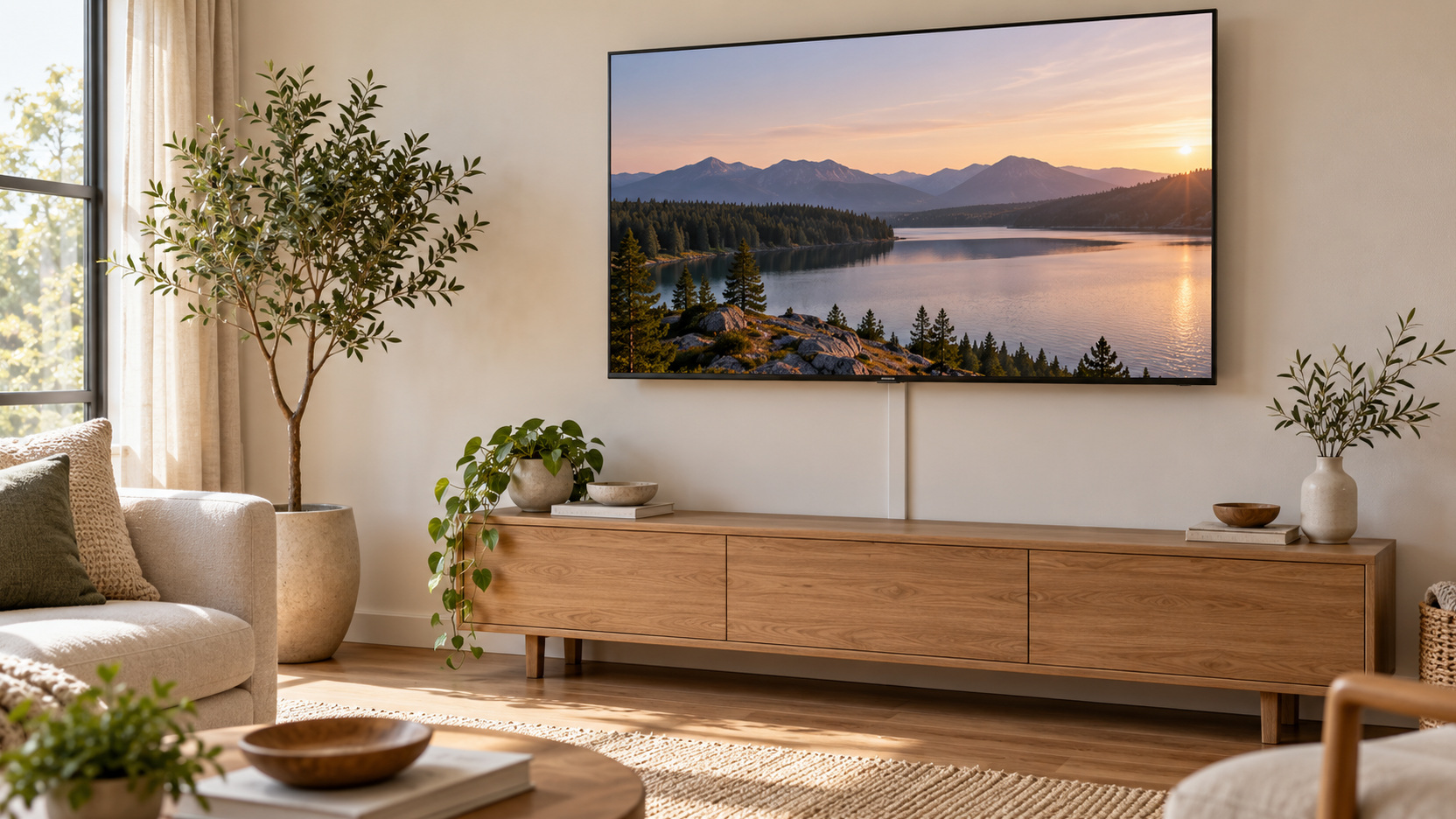
If the main distraction is the span between a mounted TV and its console, consider a suitable surface cover. Check permitted cable types, capacity, mounting method, and removal guidance for the exact product. A wall-colored route can blend with the background, but attachment may still affect the finish. Select the method with the property’s conditions and permissions in mind.
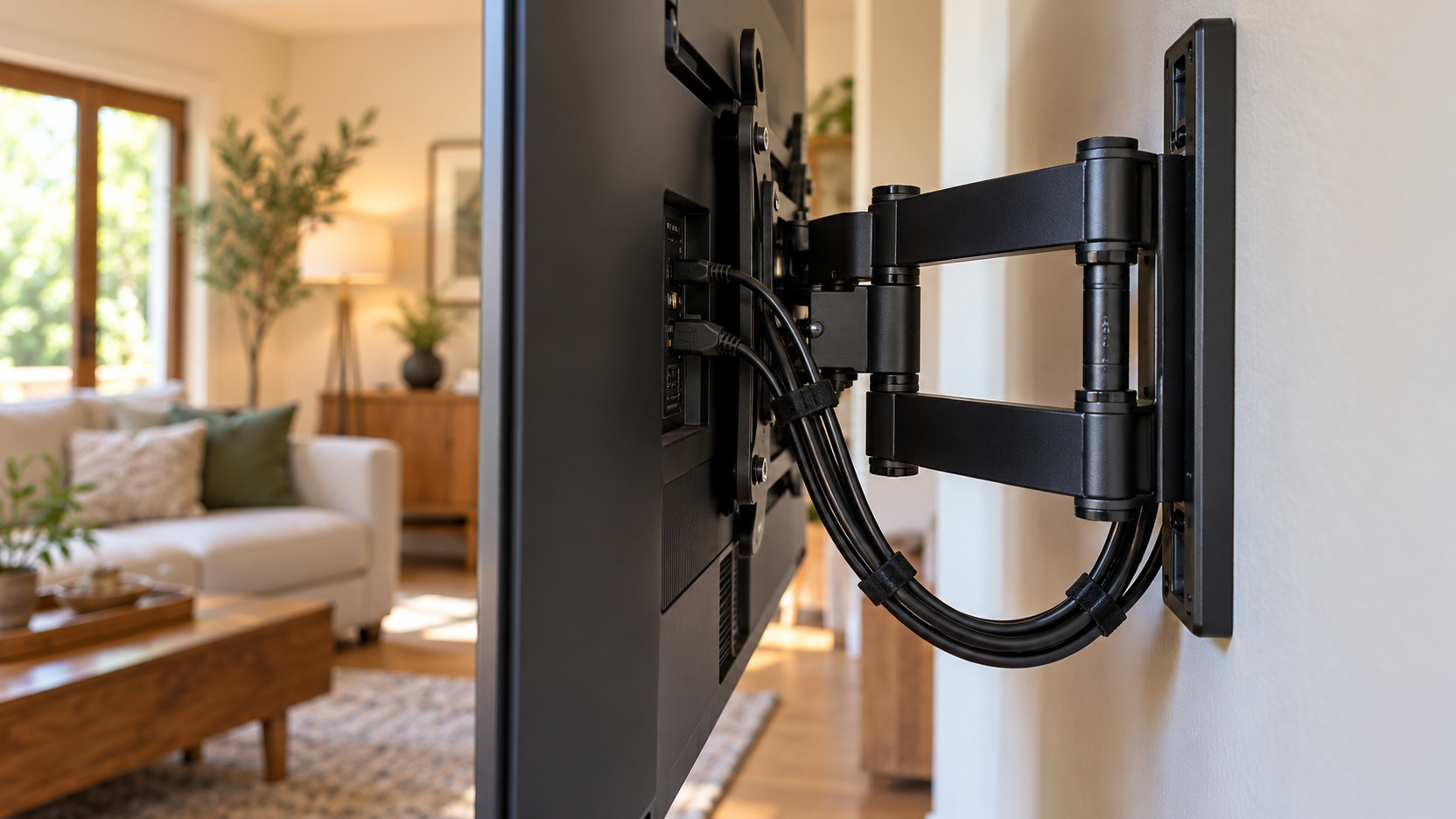
Keep the hidden section understandable and accessible. Allow supported movement for an adjustable television and maintain practical endpoint access. Do not force ordinary power cords into the wall cavity to improve the appearance. A carefully planned surface route can be a useful finishing choice without becoming an improvised in-wall installation.
Organize the Console as a Working Equipment Area
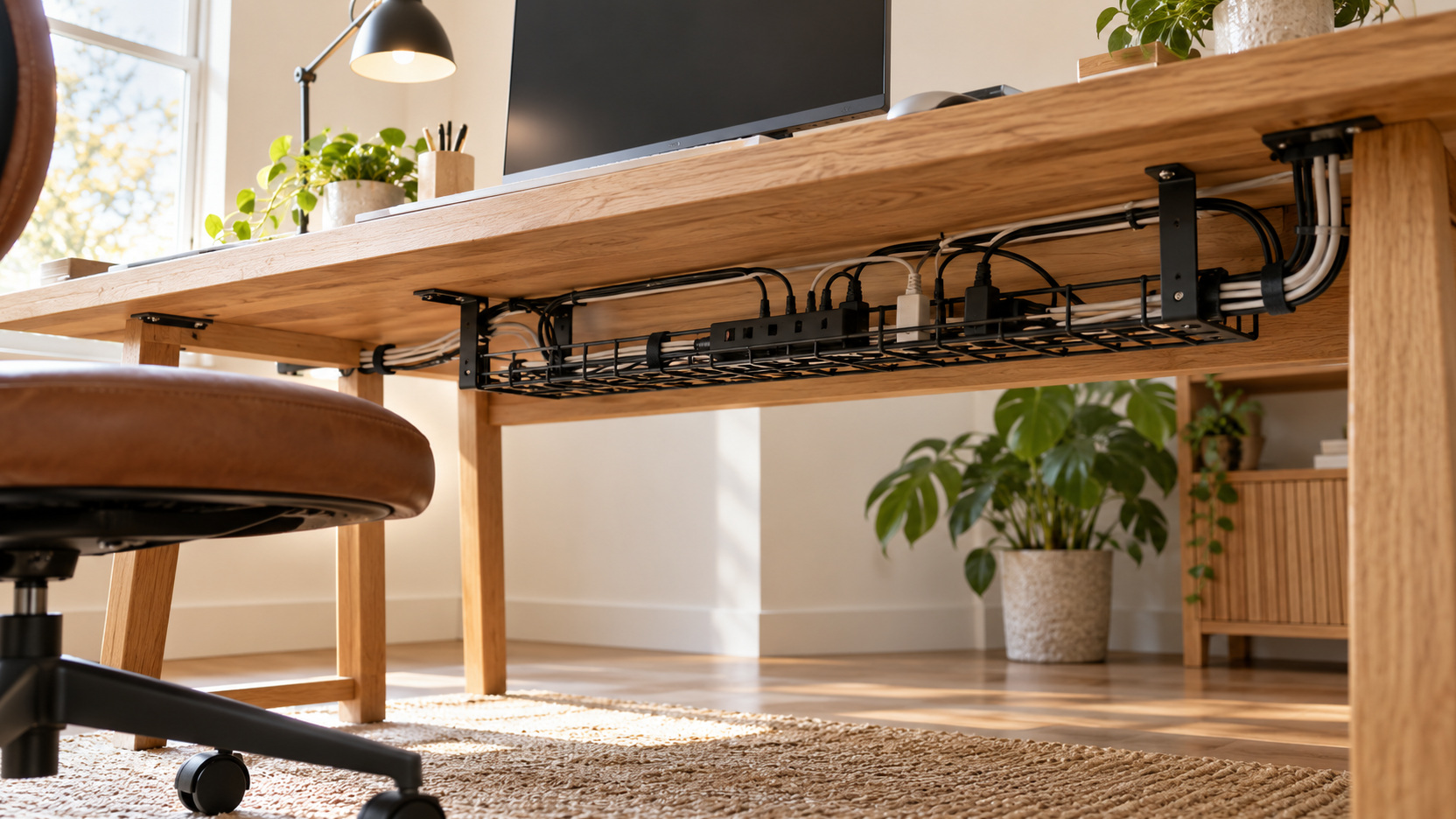
Support cables behind the media cabinet so their weight does not hang from ports. Gather necessary excess loosely where it can be inspected and changed. Keep the arrangement clear enough to trace one lead without pulling at the whole bundle. Releasable organizers can help when equipment changes frequently.
Leave ventilation openings and the equipment’s required clearance unobstructed. A cabinet door does not make every adapter or player suitable for a crowded enclosed shelf. Check the placement guidance for each device. The console should organize an operating system rather than conceal conditions that interfere with its operation.
Keep frequently handled connections within reach. A game controller charger or portable accessory may need a different path from a fixed receiver cable. Separate those routines where practical. This makes the tidy arrangement easier to preserve because the family does not need to disturb stable runs every time it connects something temporarily.
Treat the Floor as a Use Area
Inspect cables where people walk, children play, and furniture moves. Avoid routes that run beneath rugs, across busy passages, or through places where chair legs pinch them. ESFI’s extension-cord guidance cautions against covering cords and treating extensions as permanent wiring. If the room lacks an appropriate supply for its layout, seek qualified electrical help rather than disguising an unsuitable arrangement.
Reduce Contrast Where a Cable Must Remain Visible
Some connections will remain partly visible in a practical room. Choose suitable accessories whose finish relates to the nearby wall or furniture, while checking that they meet the connection requirements. Color can reduce distraction, but it does not establish electrical or signal suitability. Start with function and use appearance to refine a compatible choice.
Keep visible lines simple. A straight supported route often reads more calmly than several loops or changes in direction. Avoid overtightening the lead to achieve that line. A small amount of necessary slack near an accessible endpoint can preserve usability without becoming a prominent hanging loop.
Use decor sparingly around connections. A plant or storage item should not block a plug, cover ventilation, or hide a cord that needs inspection. Treat decoration as part of the room composition rather than a substitute for an appropriate route. If the cable is only hidden because an unsuitable pile sits in front of it, the problem will return when the room is used.
Keep Labels Helpful and Discreet
Identify confusing leads inside the equipment area if that makes maintenance easier. A device name or function is more useful than an unexplained sequence of numbers. Keep labels clear of connector mechanisms and hot surfaces. They should help someone service the setup without adding visual clutter around the television.
Create a Small Home for Spare Technology
Store useful spare cables and adapters outside the active connection area. A drawer or container can work if it keeps the contents understandable and suitable for storage. Group by the equipment they serve or another system the household recognizes. Avoid turning the spare location into a second unlabeled knot.
Keep essential product instructions or a simple connection record with the spare equipment. That information can save unnecessary unplugging when something stops working. Do not place account passwords in a visible label or shared decorative display. The physical organization should help with equipment maintenance without exposing private access details.
Check the Room After Ordinary Family Use
Use the changed routes during a typical evening. Charge the usual devices and move through the occupied seating area. Watch for the particular action that makes clutter return, such as retrieving a controller or moving a side table.
After cleaning, inspect any route affected by moving furniture. Restore the supported path and check for tension at the actual plugs. Preserve the equipment’s required clearance rather than securing loose cable wherever it happens to fit.
Correct the observed point of friction. Move an awkward parking clip or revise one suitable support point, then repeat the task. Another organizer is useful only if it improves that recurring action.
Refresh the System When Devices Arrive
When replacing a player or charger, identify and remove its obsolete lead from the active route. Check the new device’s connection, clearance, and power requirements before fitting it. That small update prevents inactive cables from accumulating in an otherwise understandable system.
Make Occasional Connections Easy to Put Away
Give a visiting console or temporary accessory an accessible connection point and a defined home for its lead afterward. Keep its operating path away from ordinary movement. A short visit should not require reopening the stable equipment bundle.
Show regular helpers which ends are used daily and which connections stay in place. Keep the explanation brief and specific to those tasks. Someone cleaning the room can then restore the appropriate path without guessing at an unfamiliar wire.
Choose a Finish the Family Can Maintain
Try a short tidying pass focused on three visible problems. First identify and remove an obsolete lead from the active area, after confirming what it served. Next support a dangling lamp or equipment cord along a suitable furniture route using an appropriate organizer. Then give the regularly used charging end a reachable parking point instead of leaving it across a seat. This is an illustrative sequence for a brief session, not a promise that every room or installation can be finished in a fixed time. Stop if a fitting or electrical requirement needs further assessment.
For example, a living room with a tidy media cabinet may still look unsettled because one phone charger falls behind the side table and a spare player lead hangs below the television. Returning the spare to its separate storage and keeping the charger end in a suitable clip can address the actual visual clutter. The cabinet does not need a complete redesign to earn that improvement. Check that neither route is pinched by furniture or stretched during normal use.
Let the family use those changed points that evening. If the charger returns to the sofa because the parking place is awkward, move that endpoint rather than adding more organizers. A useful quick result comes from improving the lines and habits that are visible every day. Leave the larger hidden-equipment project for a specific access or maintenance need.